Security software for Microsoft Entra ID, Azure and Microsoft 365. See the risks that matter, and control who holds privileged access.
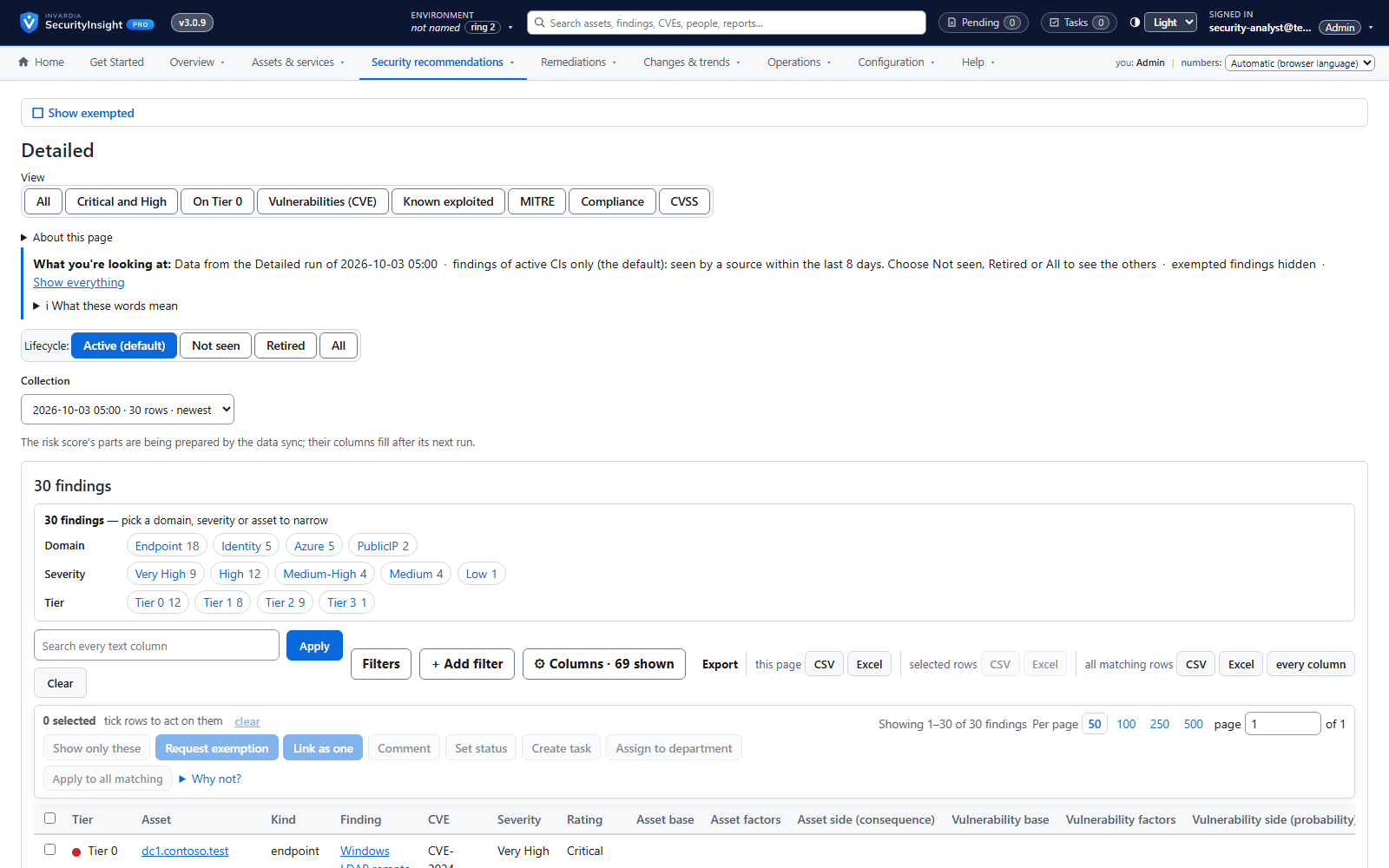
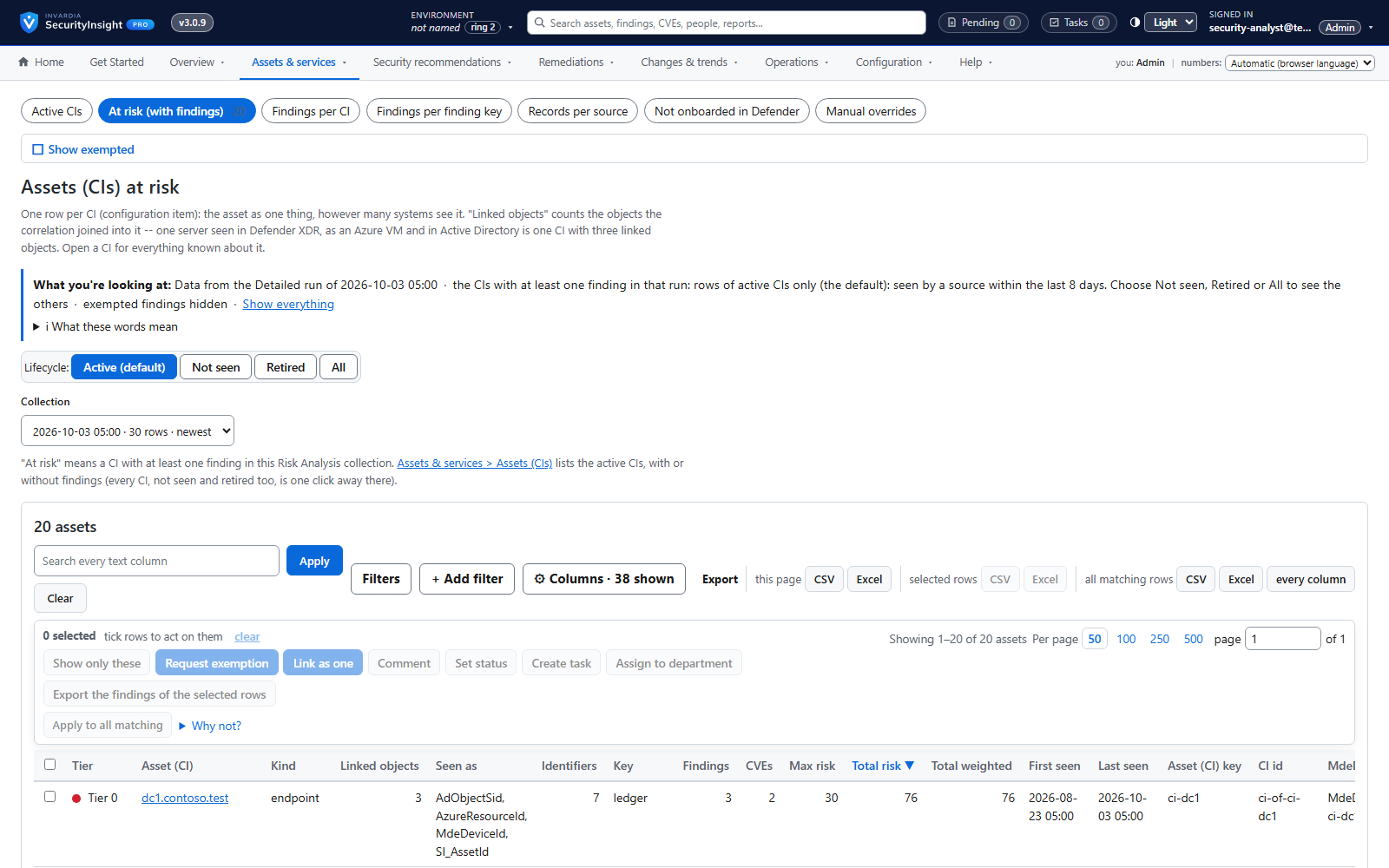
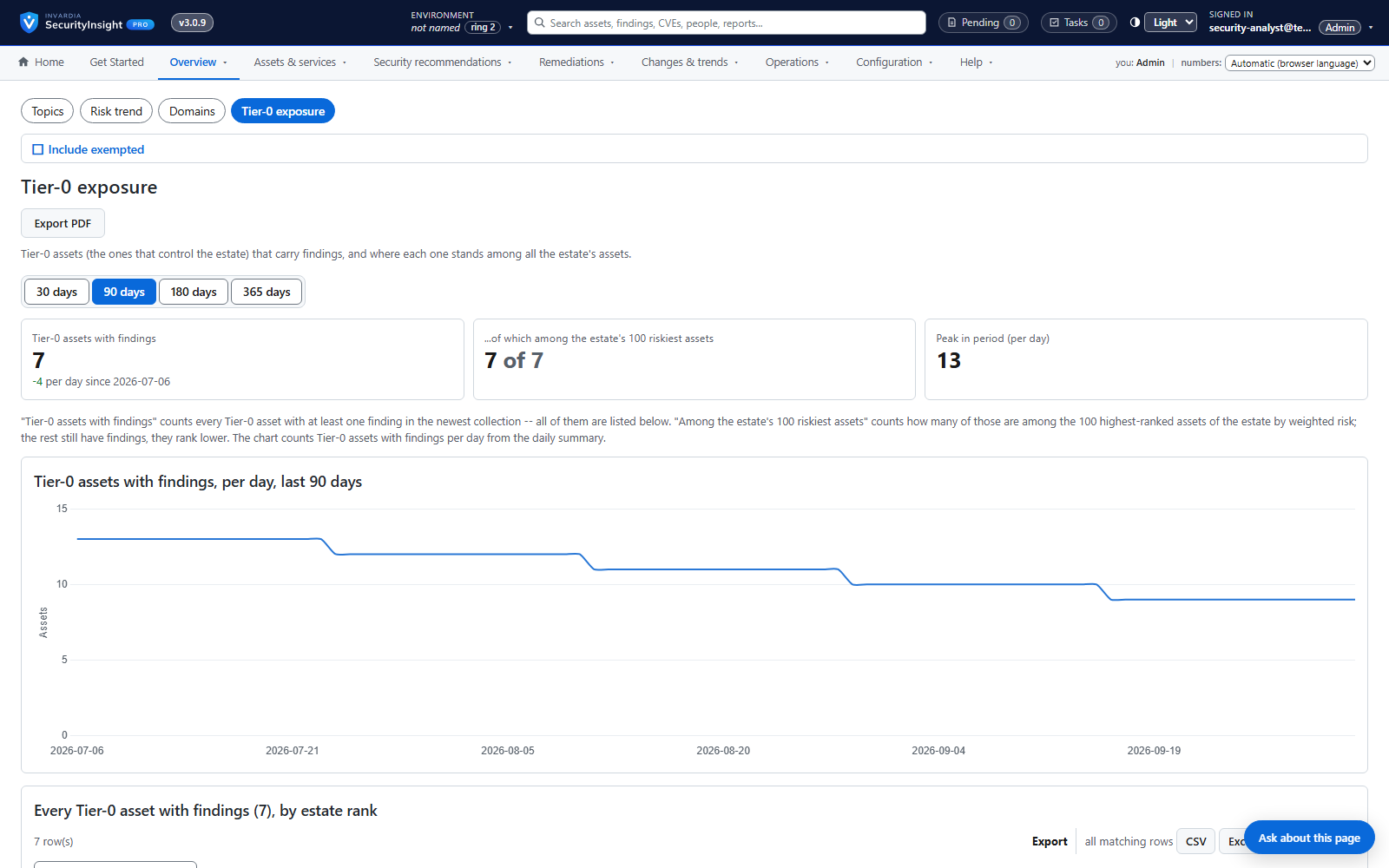
Fix what an attacker would hit firstEvery finding scored by the Tier 0-3 criticality of its asset, its severity and the risk factors around both - not by severity alone.
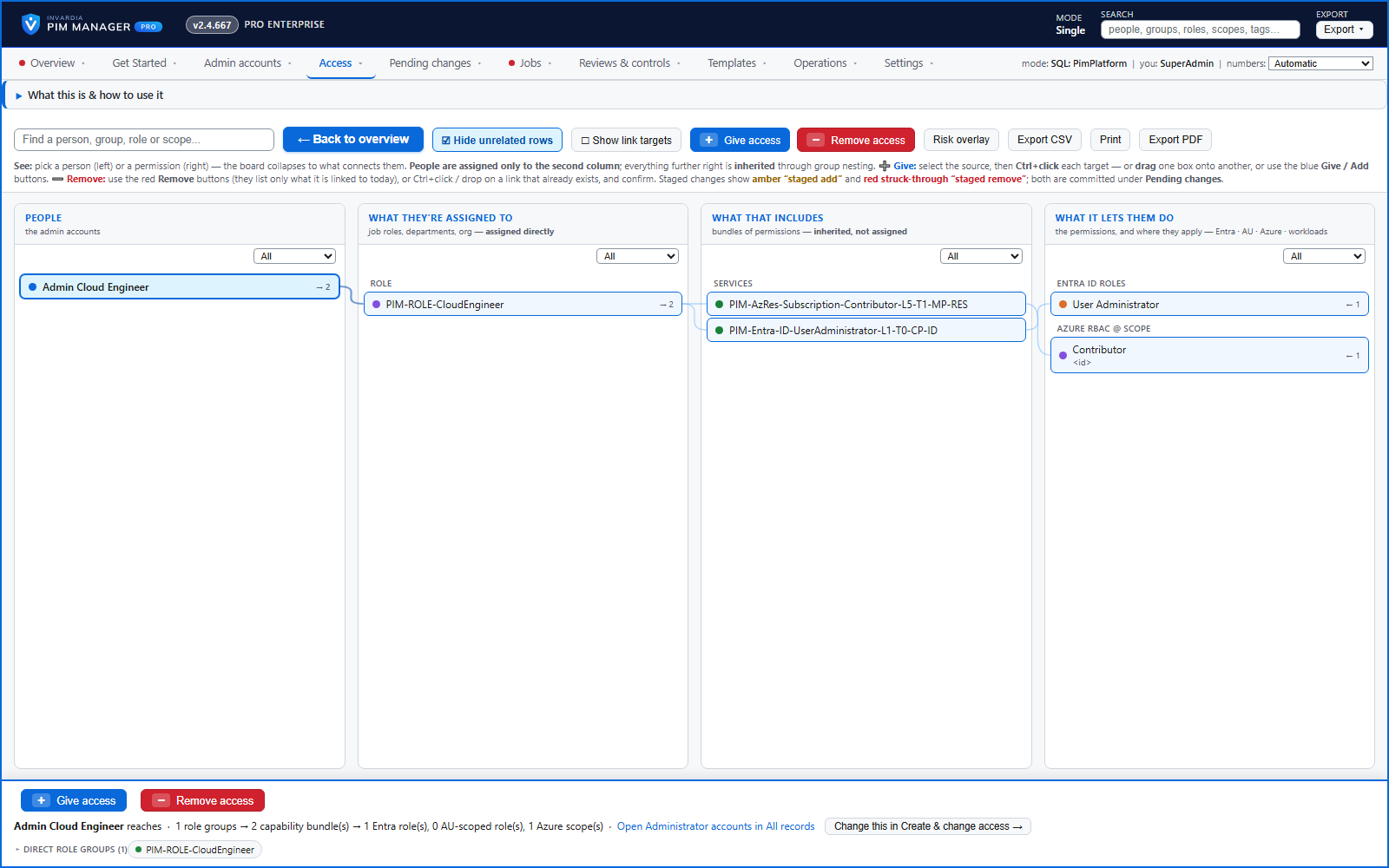
Admin rights only when neededAdmins hold eligible access through PIM groups and activate it just in time, for as long as your policy allows.
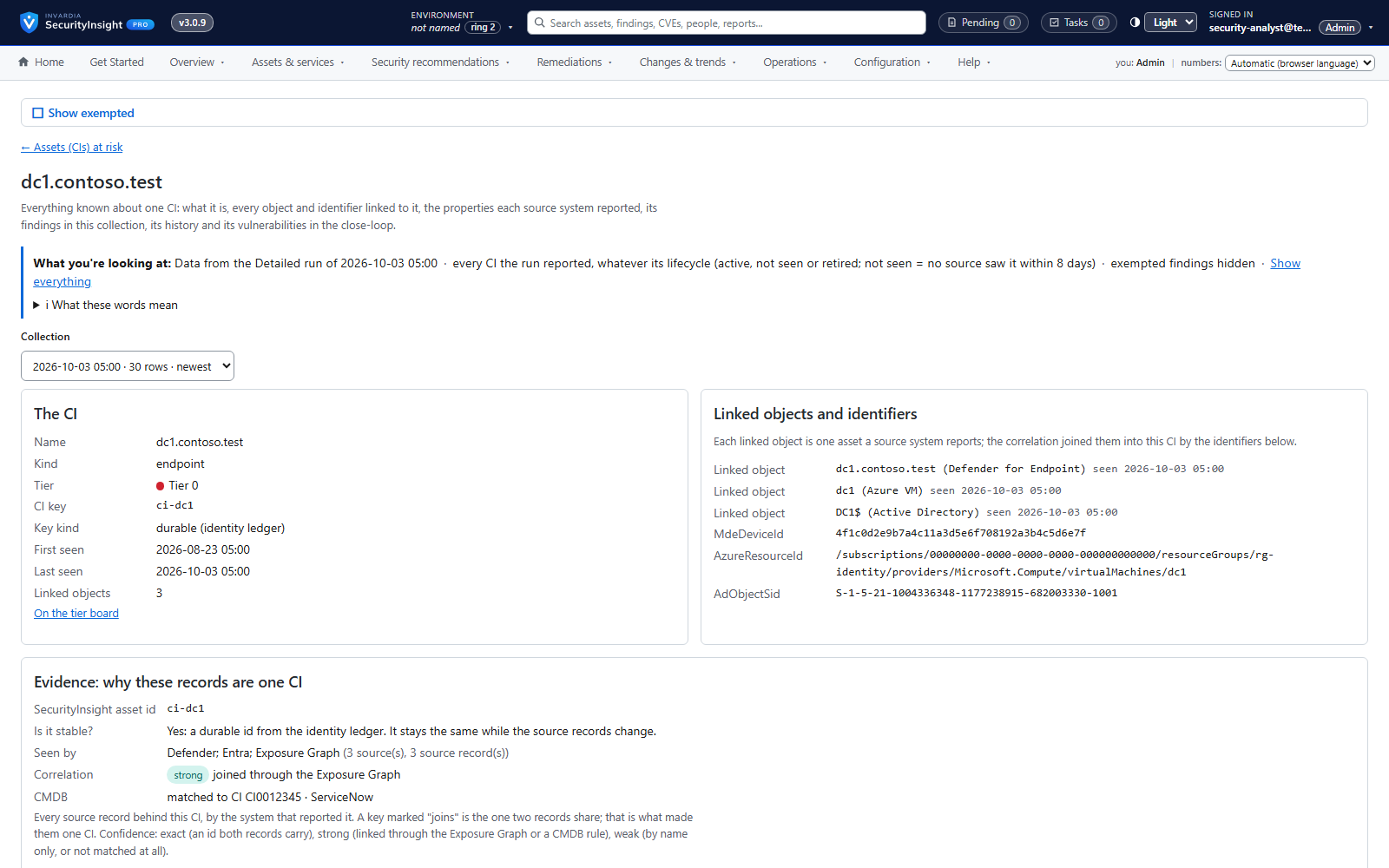
One ranked list from the data you haveDefender, Exposure Graph, Entra ID and Azure read with read-only rights, Active Directory through Defender for Identity - SecurityInsight adds no agent to your devices.
Leavers switched off on their dateGive an admin account a disable date and it is disabled on that date - with automatic offboarding, also signed out and removed from its access.
Vulnerabilities close only when the fix is seenWith Pro, a vulnerability closes as fixed only when its asset is seen again without it - and reopens if it comes back.
Runs in your Azure, under your controlManaged identities instead of secrets; every change is staged, checked against guard limits and logged.
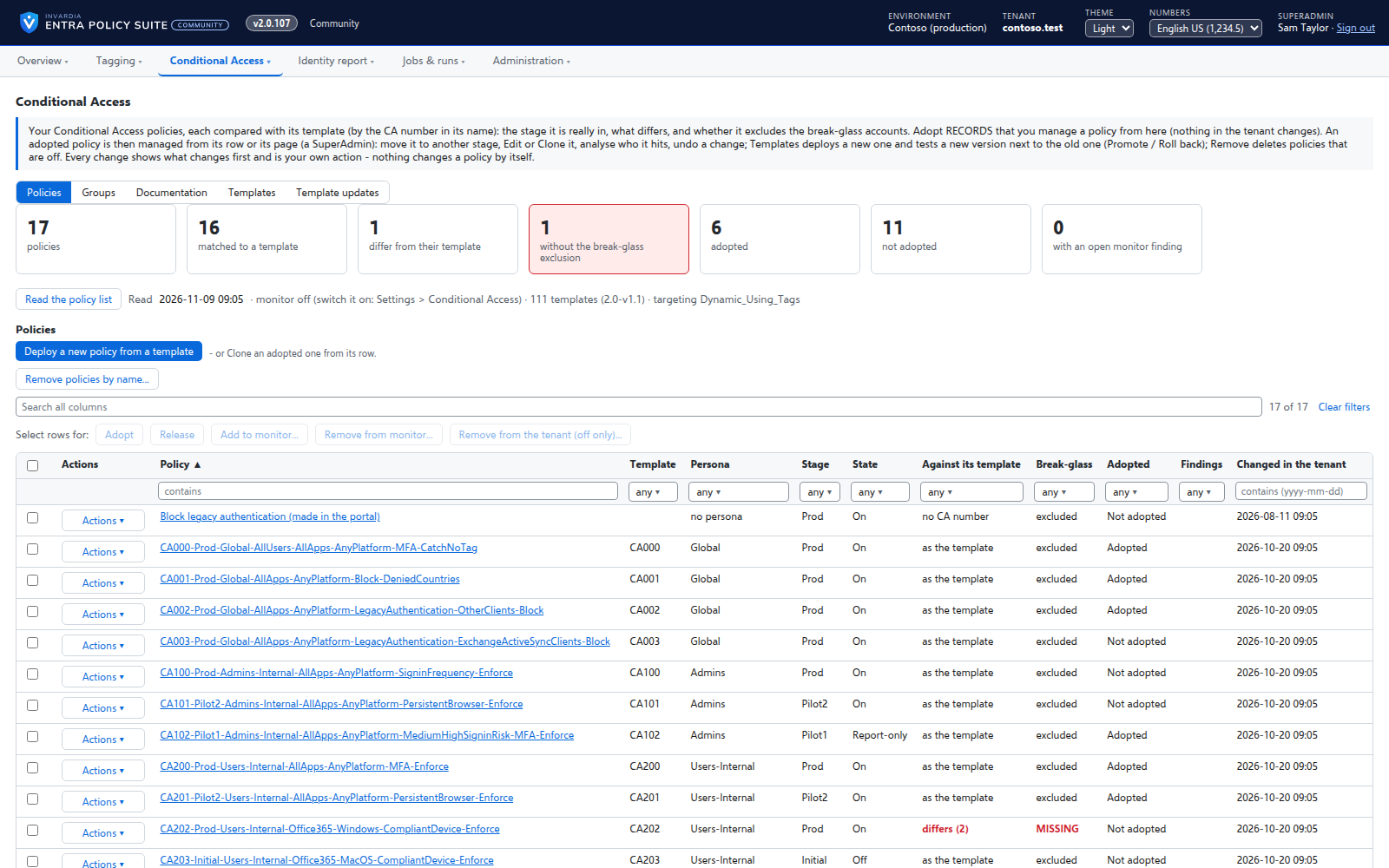
Three products. One goal: a Microsoft estate attackers cannot walk through.
Privileged access, under control
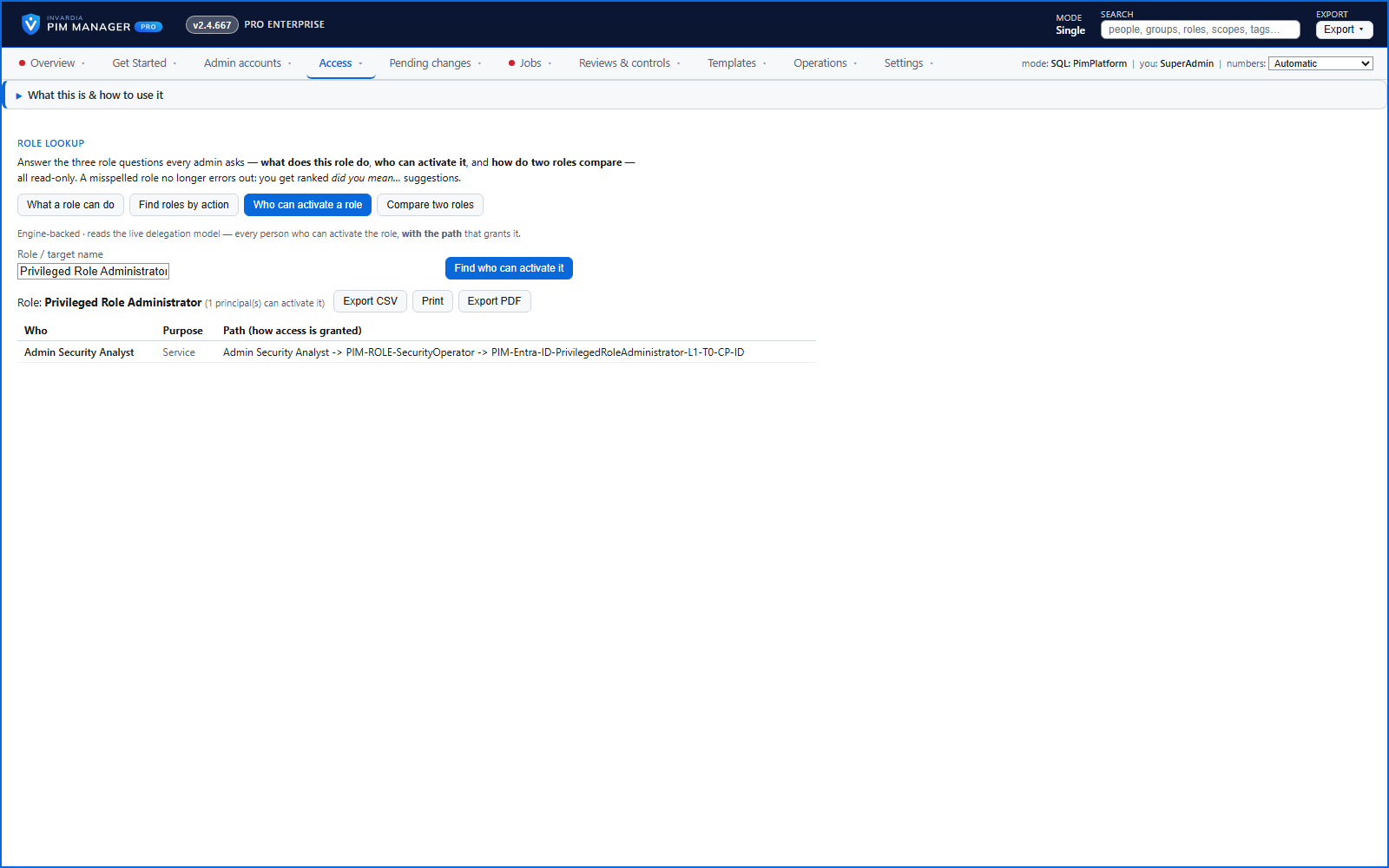
Just-in-time admin access for Entra ID, Azure, Intune and Defender XDR - modeled, reviewed and audited from one portal. For single tenants and MSPs.
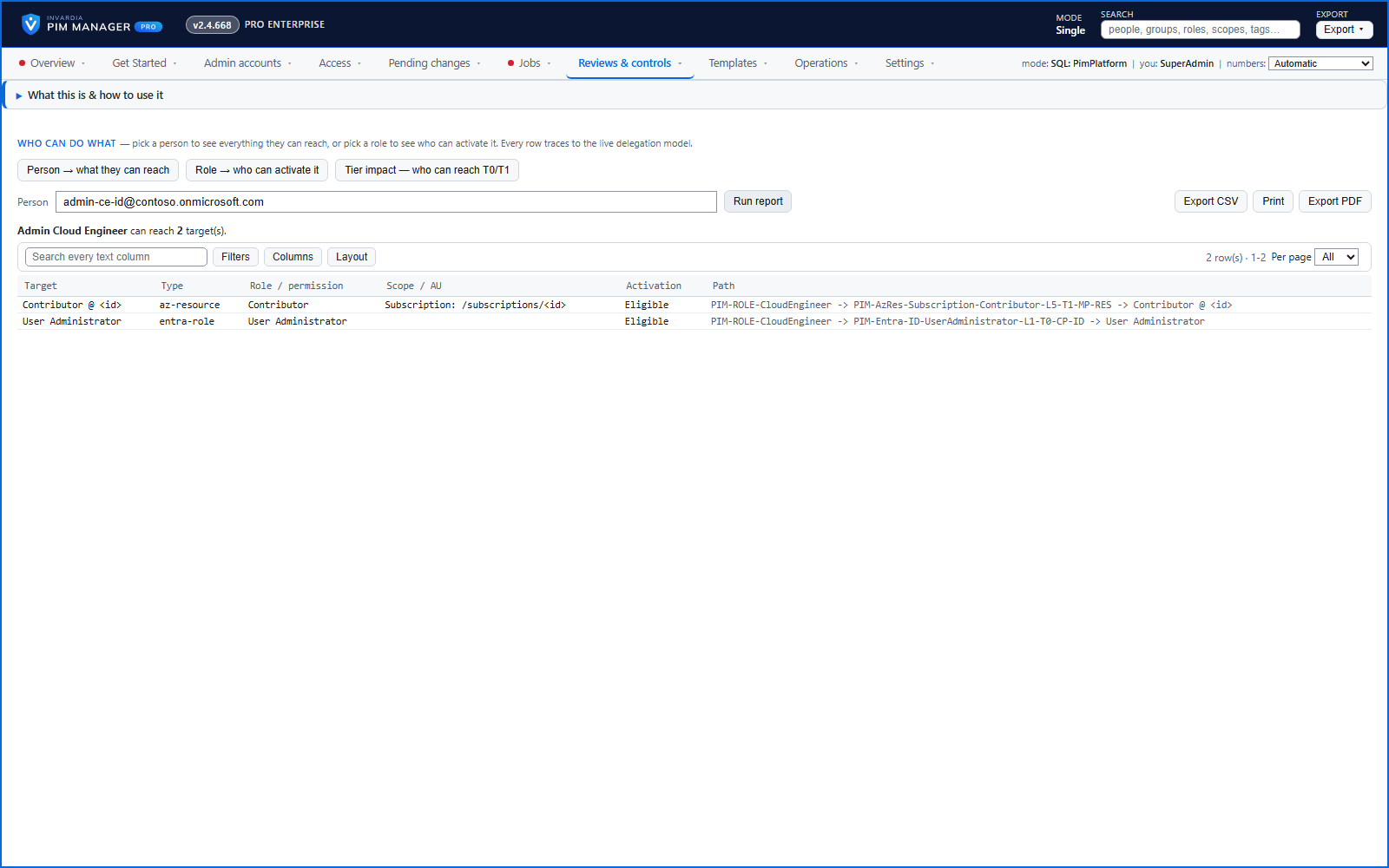
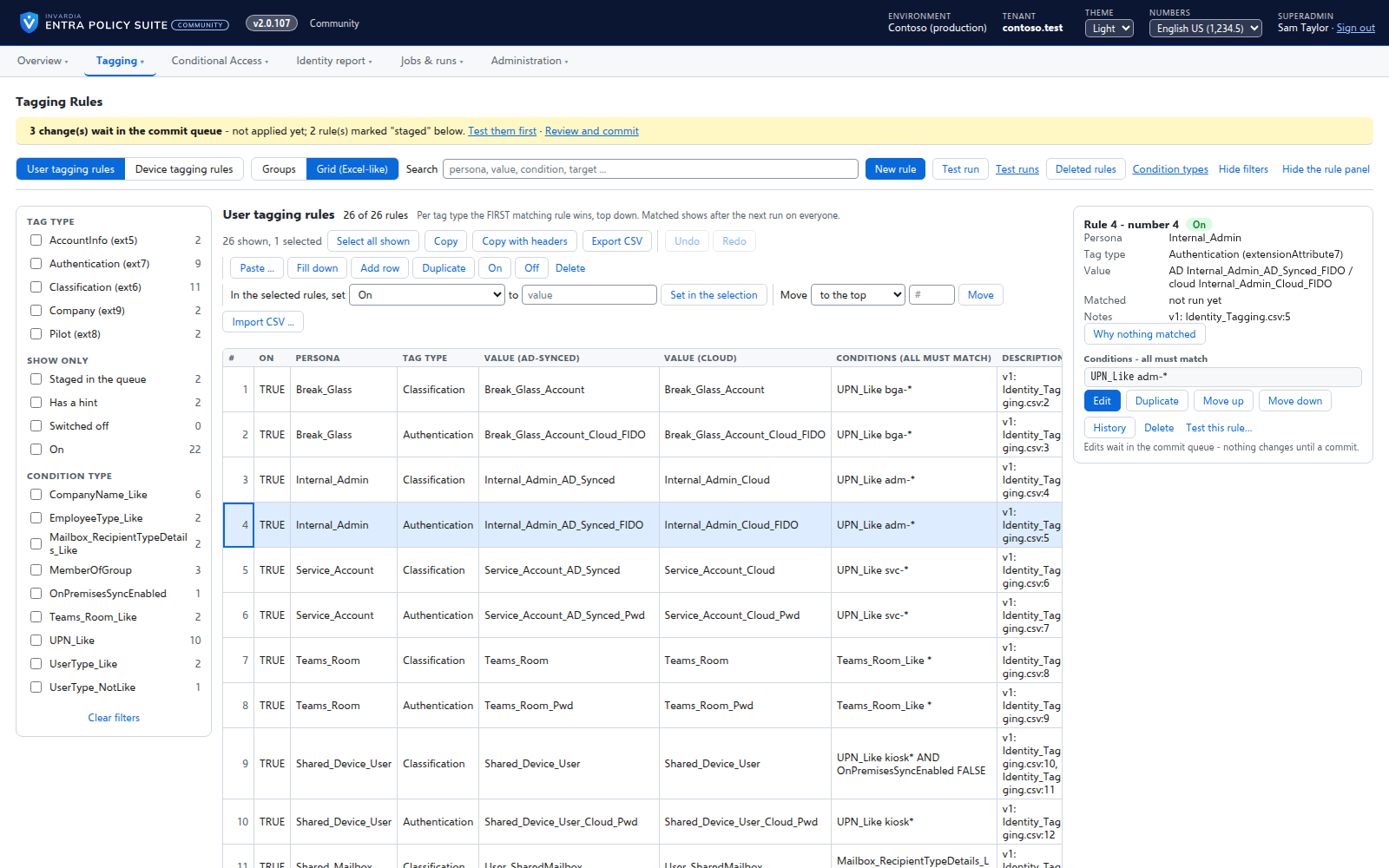
Least privilege by design: access comes from tiered groups and is activated just in time instead of left standing
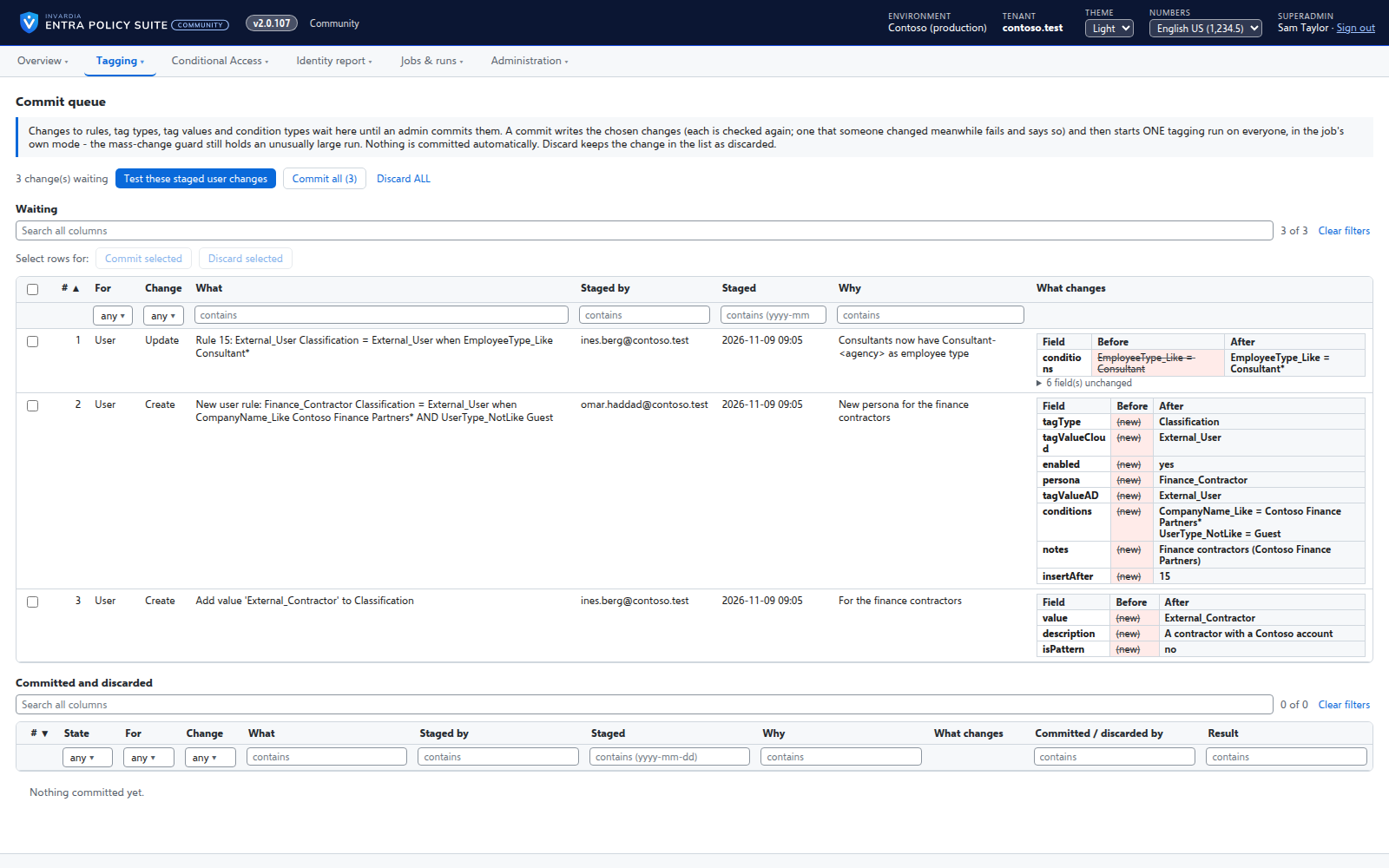
Every change you make staged, checked against guard limits and logged; PIM policy changes wait for a SuperAdmin's approval, and a commit can be undone
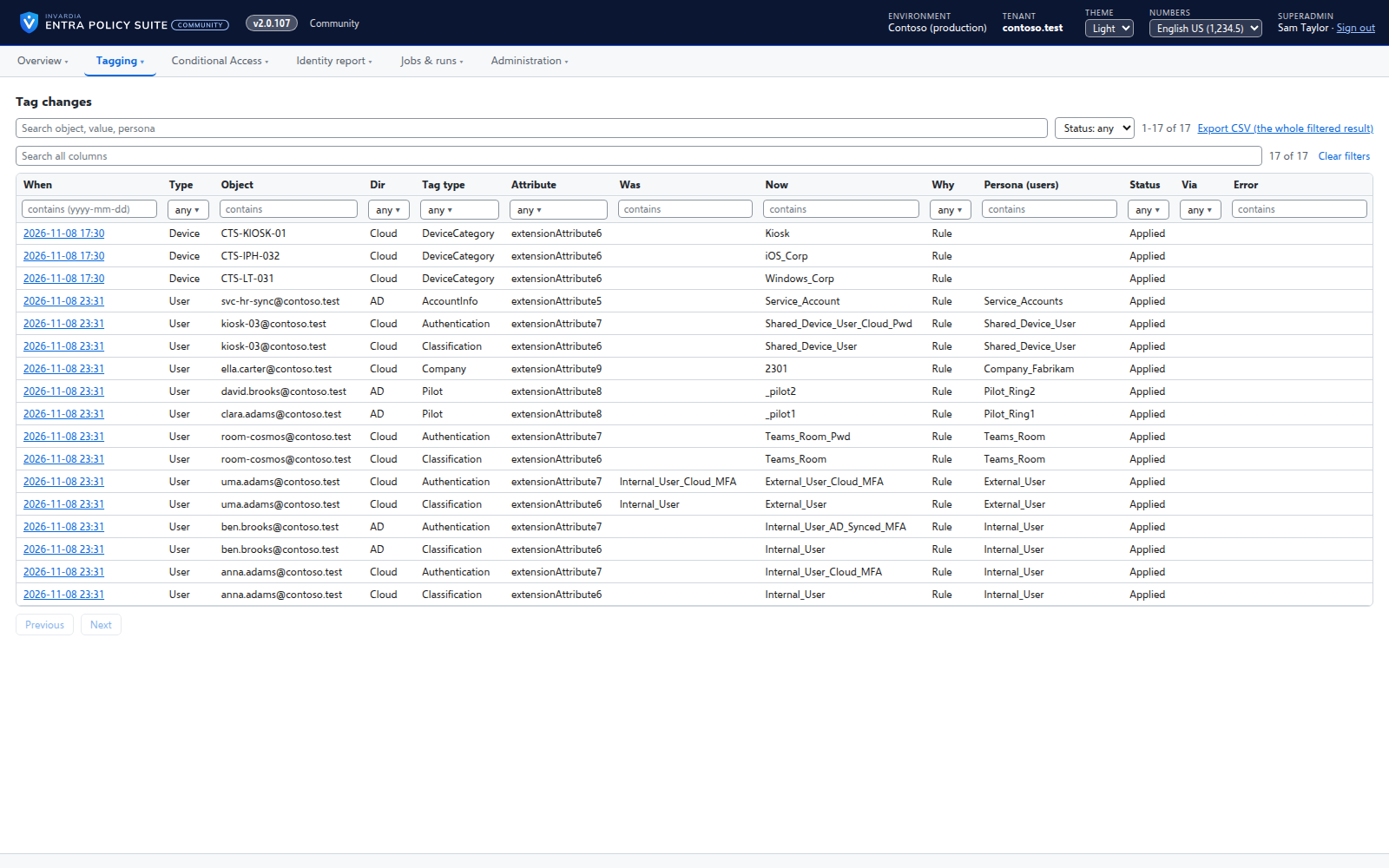
Proof on demand: who can do what, how they got it, and every change with before and after
Runs in your own Azure subscription on managed identities: no client secret for sign-in, no vendor access unless you create it
Installations update themselves, in Community and Pro: signed, approved releases applied by your installation, and a release that needs a manual step is held
Answer a few questions about your environment and get your design back as a document and a PowerPoint deck - yours to keep and to show your security team.
What you answer: a few short steps about architecture and security - edition and tenancy, region, network and sign-in, workloads, support and logging. Every step starts from a sample design; keep its values or switch to your own.
What you get: a design document and a PowerPoint deck of that design, with a cost estimate.
Honest about status: every option says whether the product does it today or it is consultant-led.
Your answers are yours: no email is needed - your answers and the generated files are kept for this browser only (the files for 30 days), and you can delete them at any time. Signing in is optional, to keep your designs on all your devices.
Both products install into your own Azure subscription and tenant. Your data stays with you.
Least privilege by design
SecurityInsight reads your estate with read-only rights and adds no agent to your devices. PIM Manager signs in with managed identities, so sign-in needs no client secret.
Audit-ready evidence
PIM Manager logs every change with before and after values. SecurityInsight maps findings to MITRE ATT&CK and supports evidence for NIS2, DORA, ISO 27001 and GDPR Art. 32.
Start free
Every product has a free Community edition on GitHub, and every Pro edition has a 60-day trial.