

Access map: your delegation model on one board
Pick a person or a permission and see every path in your delegation model - people, their groups, what those groups include and the roles and scopes they grant.
Purpose
In Microsoft Entra, privileged access hides in nested groups. Answering "how does this person end up as User Administrator?" means clicking through group after group in the portal, and the answer is out of date by the time it is written down.
Design
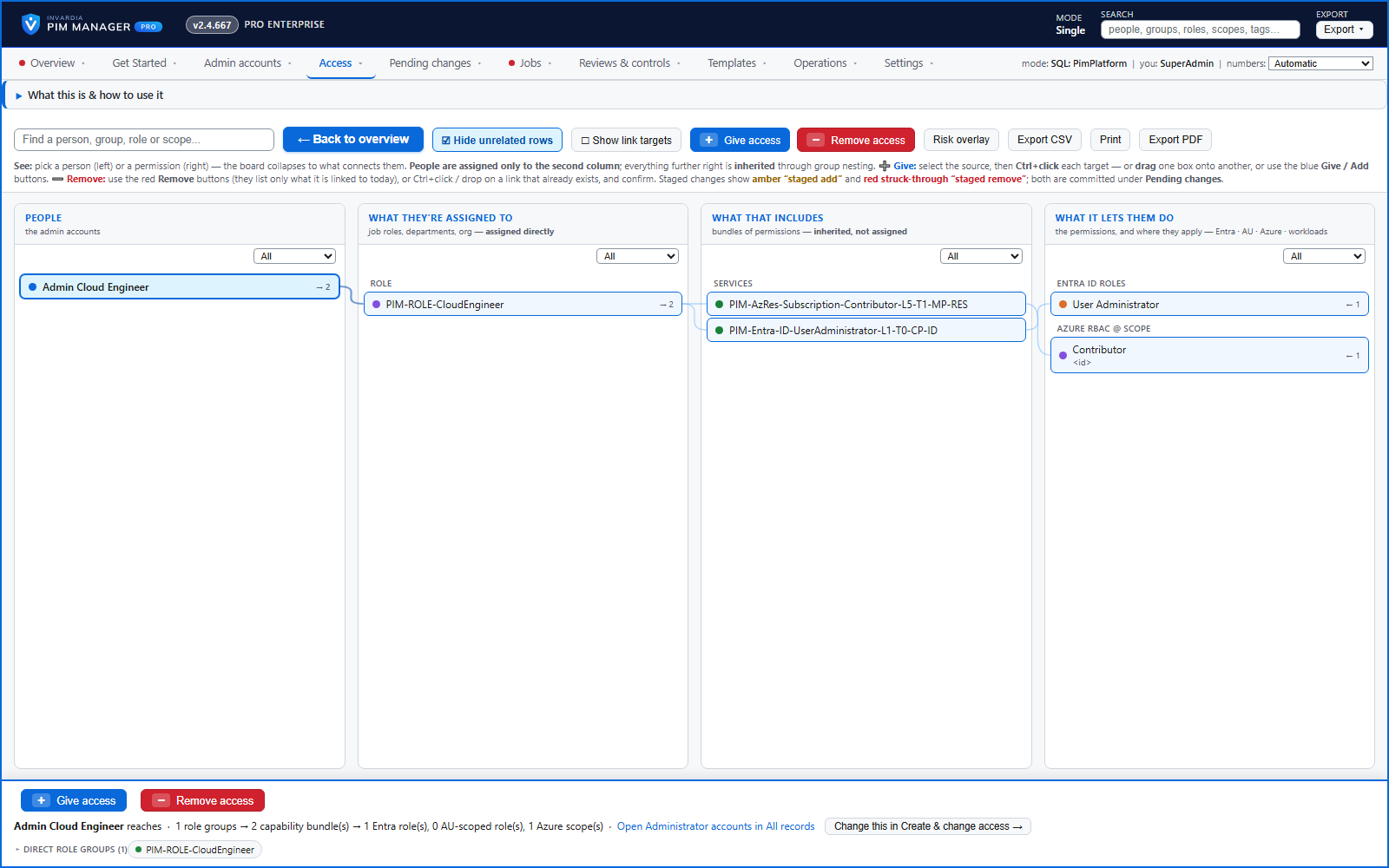
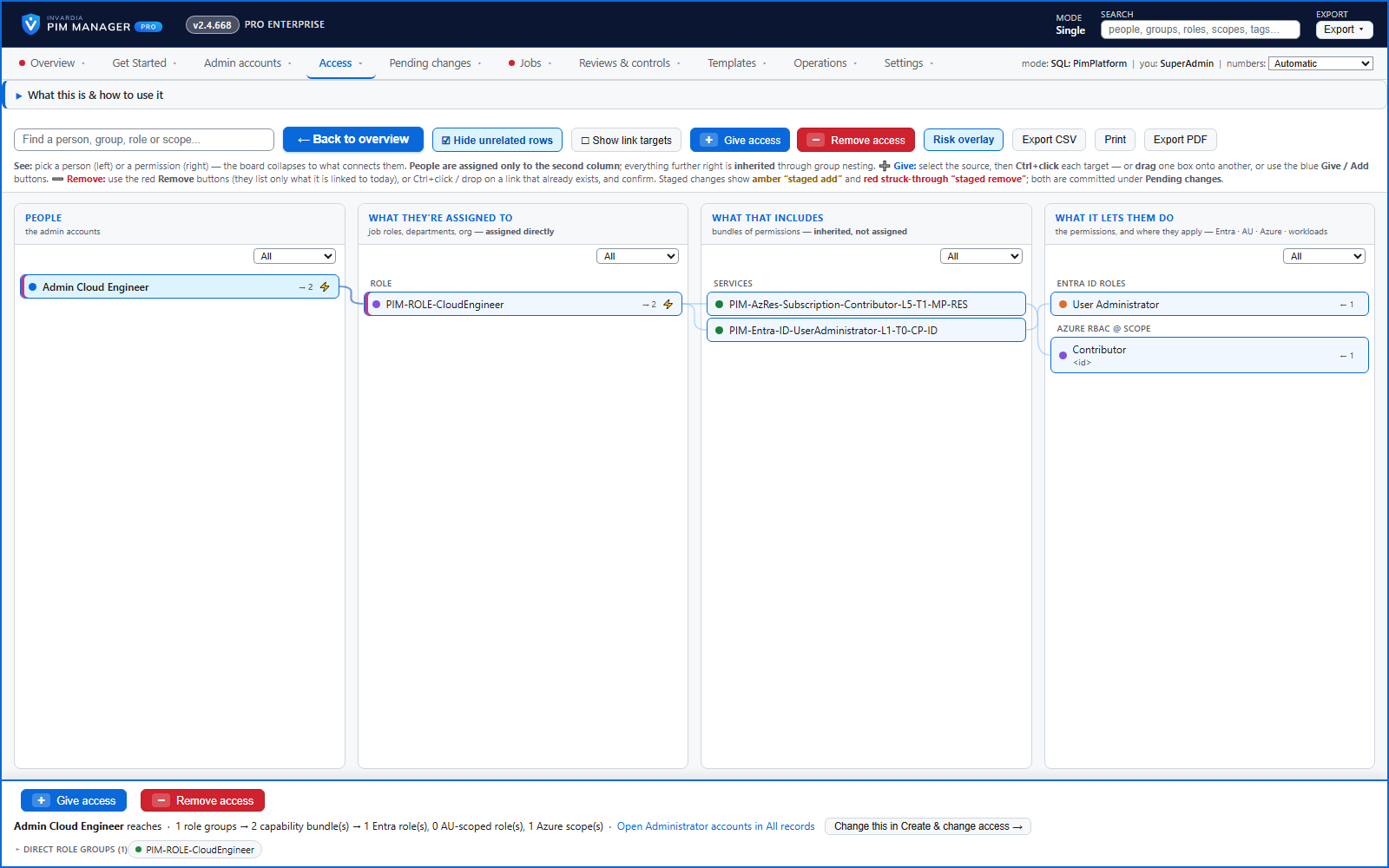
The access map draws your delegation model in four columns: the people, the role groups they are assigned to (job roles, departments, projects), the permission groups those include, and what those let them do (Entra ID roles, roles in an administrative unit, Azure roles at a scope, workload roles). Select a person, group or role and the board highlights its full path. The map shows the delegation model PIM Manager manages, including staged changes; it does not list assignments made outside PIM Manager - Delegation overview shows those. A risk overlay marks orphaned groups, targets nobody reaches, and people or groups whose reach is Tier 0 or Tier 1 or unusually wide.
The map is also where you act. Link people to groups and permissions to groups from either end, or remove a delegation as its own, separate action. Each link and each removal is staged as a pending change, and nothing reaches the tenant until it is committed.
Business opportunities
Security leads and auditors see the real privilege picture instead of a spreadsheet, and administrators fix what they find in the same place. Because access is modeled as groups, onboarding a new engineer is one assignment to a role group rather than a list of individual role grants.
Related features
Who can do what - and who can activate this role
Pick a person to see the targets they can reach, or pick a role to see who can activate it - each with the exact path that grants it.
Look up a role: find the least-privileged role for the job
See what an Entra ID role can do in plain words, find the roles that grant an action ranked least-privileged first, see who can activate a role, or compare two roles.
PIM Activator: activate the access you need, together
A browser extension for Edge and Chrome: tick the groups and roles you need, give one justification and activate them together - three clicks for a typical activation.
Home: what needs your attention, at a glance
Red, amber and green tiles for engine health, validation findings, break-glass use, delegation by level, gaps and expiring access - each opens the page that owns it.