

Look up a role: find the least-privileged role for the job
See what an Entra ID role can do in plain words, find the roles that grant an action ranked least-privileged first, see who can activate a role, or compare two roles.
Purpose
Least privilege fails at the moment someone asks for access and nobody knows which role is the narrowest fit. So the request ends with a broad role "to be safe".
Design
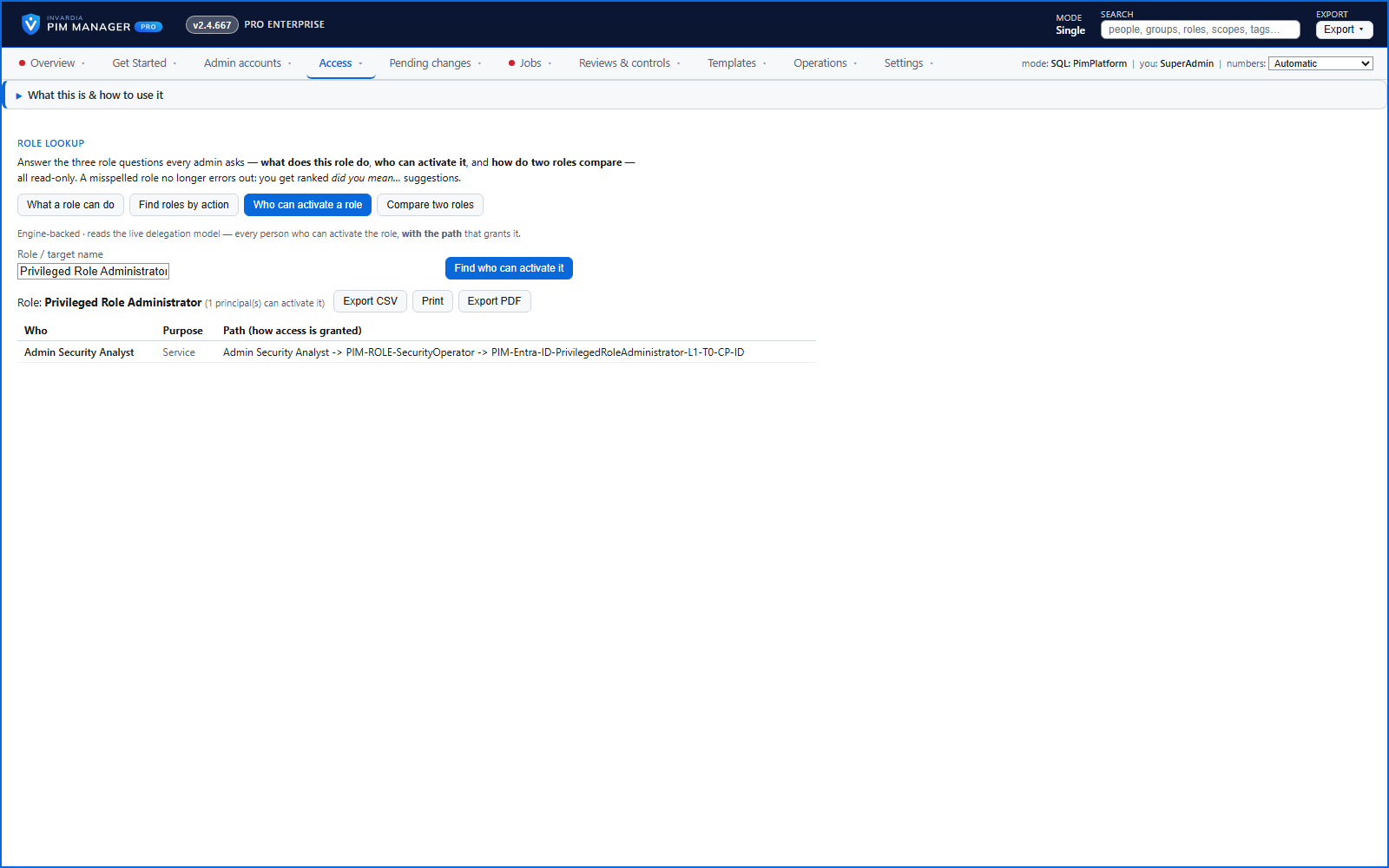
Look up a role has four read-only modes. What a role can do lists the role's permissions, grouped by area, and suggests the closest match when a name is mistyped. Find roles by action takes an operation and lists the roles that grant it, ranked by fewest total permissions, with roles that match only through a broad wildcard flagged and ranked last. Who can activate a role lists each person who can, with the path that grants it - direct, through a group or through nested groups. Compare two roles shows who can activate both and who only one.
The lookup warns you before you create a duplicate delegation, and each mode exports to CSV.
Business opportunities
Access requests are answered with the narrowest role instead of the biggest one, and the export is the justification attached to the ticket.
Related features
Access map: your delegation model on one board
Pick a person or a permission and see every path in your delegation model - people, their groups, what those groups include and the roles and scopes they grant.
Who can do what - and who can activate this role
Pick a person to see the targets they can reach, or pick a role to see who can activate it - each with the exact path that grants it.
PIM Activator: activate the access you need, together
A browser extension for Edge and Chrome: tick the groups and roles you need, give one justification and activate them together - three clicks for a typical activation.
Home: what needs your attention, at a glance
Red, amber and green tiles for engine health, validation findings, break-glass use, delegation by level, gaps and expiring access - each opens the page that owns it.