

User tagging
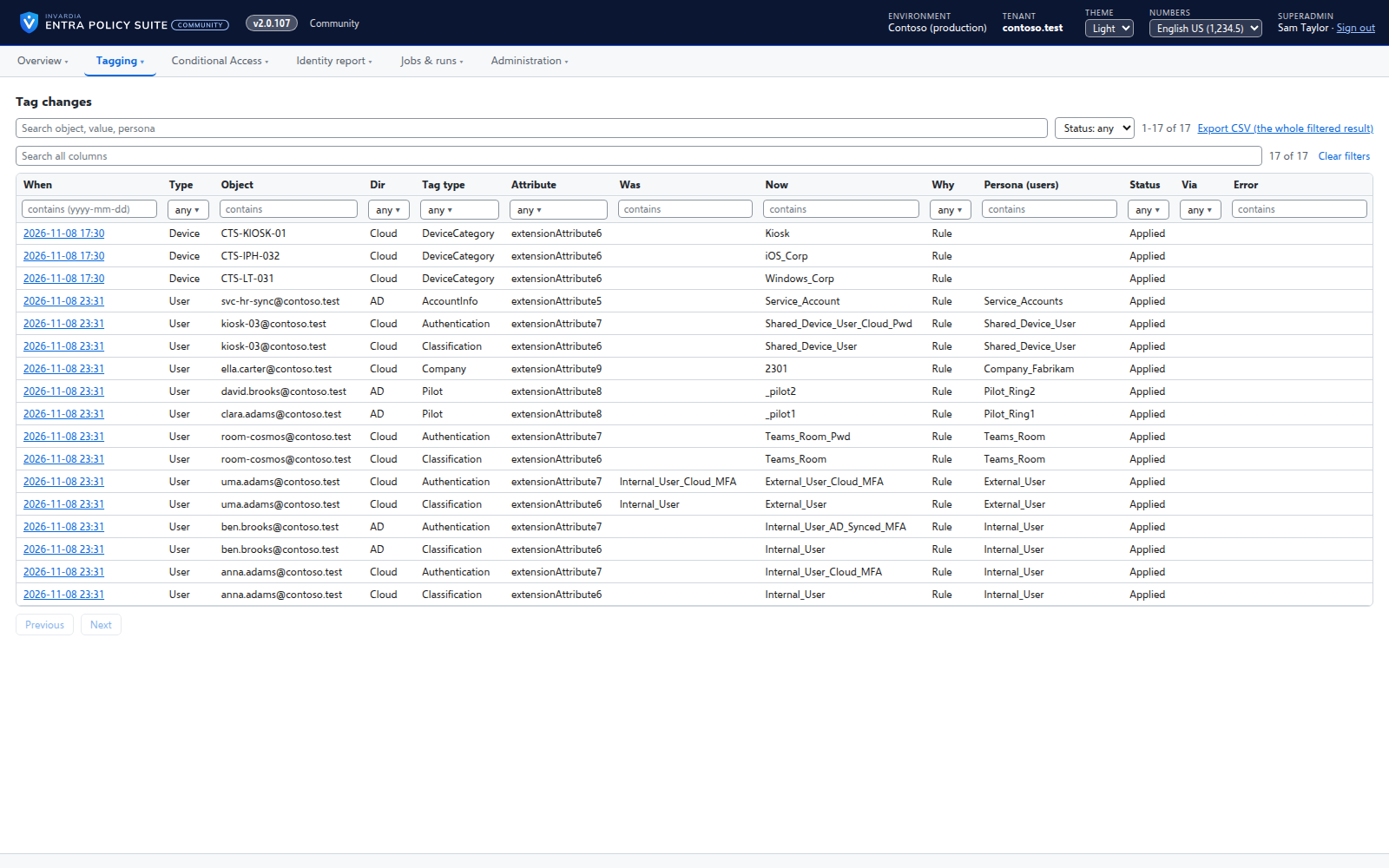
Every user gets its tags from your rules - cloud users in Entra ID, AD-synced users in Active Directory.
Purpose
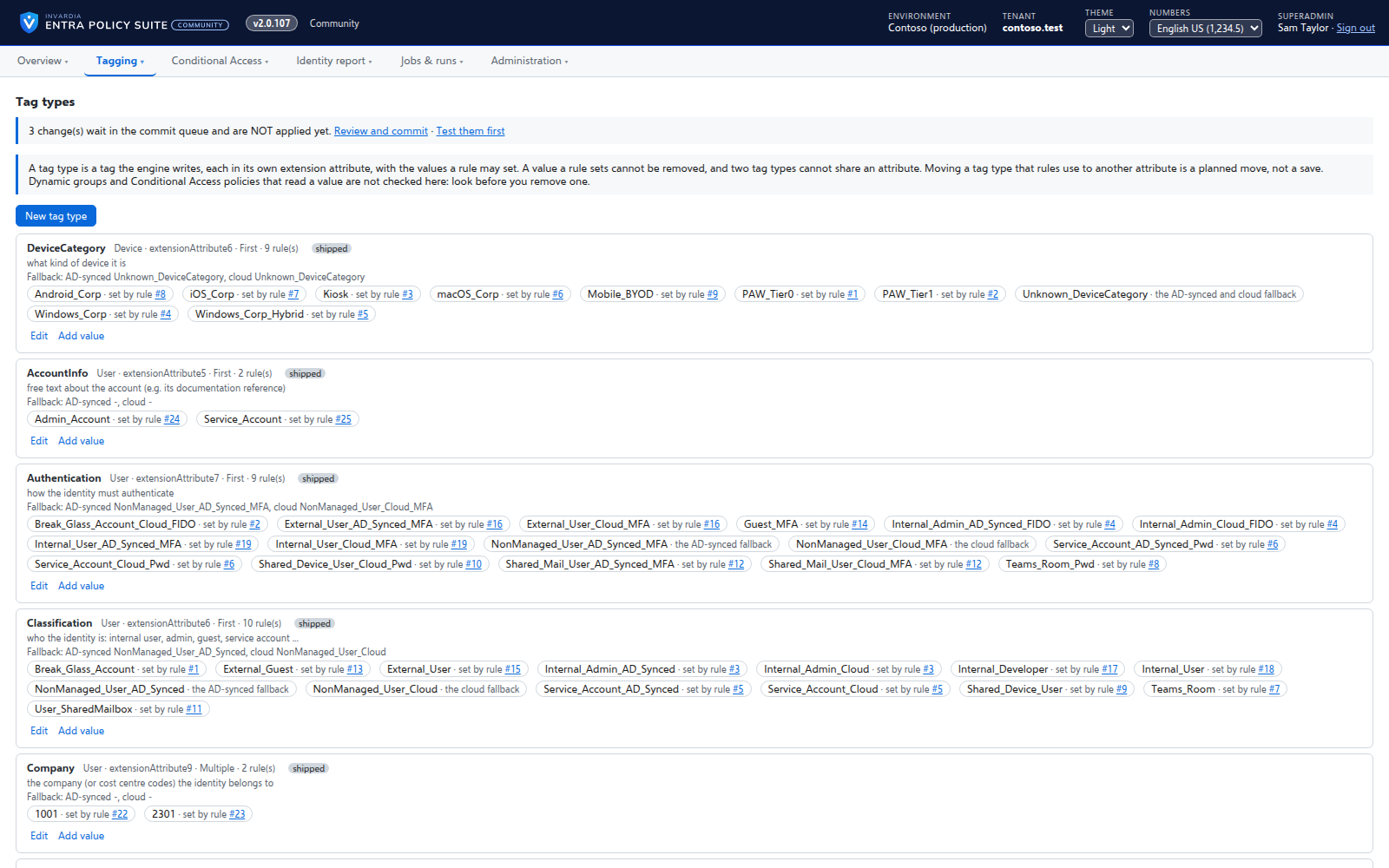
Conditional Access by persona needs every account tagged: admin, internal user, external user, guest, service account, shared mailbox, Teams Room, break-glass account. Labels set by hand drift, and a missing label takes an account out of the policy meant for it.
Design
The user tagging job reads every user once, evaluates the rules of every tag type and plans each change with the old value, the new value and the rule behind it. In Preview mode the plan is only recorded; in Apply mode cloud users are written through Microsoft Graph and AD-synced users through the hybrid worker in Active Directory, where directory sync carries the tag to Entra ID. Chosen accounts, such as the directory sync account, are never tagged. Every run reads everyone, so new users are tagged by the next run.
Business opportunities
Dynamic groups and Conditional Access policies that target them hold exactly the accounts they should, every day, without manual labeling.
Related features
Rules you edit like a spreadsheet
Every tagging rule on one page, edited like Excel: select, copy and paste, fill down, duplicate, move and switch on or off - many rules at once.
Device tagging
Every device gets its category - privileged access workstation, corporate Windows, kiosk, corporate or personal phone - from your device rules.
A hybrid worker for Active Directory
Tags of AD-synced users are written in Active Directory by a small worker that only connects out and has no password.
Jobs on your schedule
Every job runs on the schedule you set - daily, weekly or every few hours - with Preview and Apply on demand.