

Jobs on your schedule
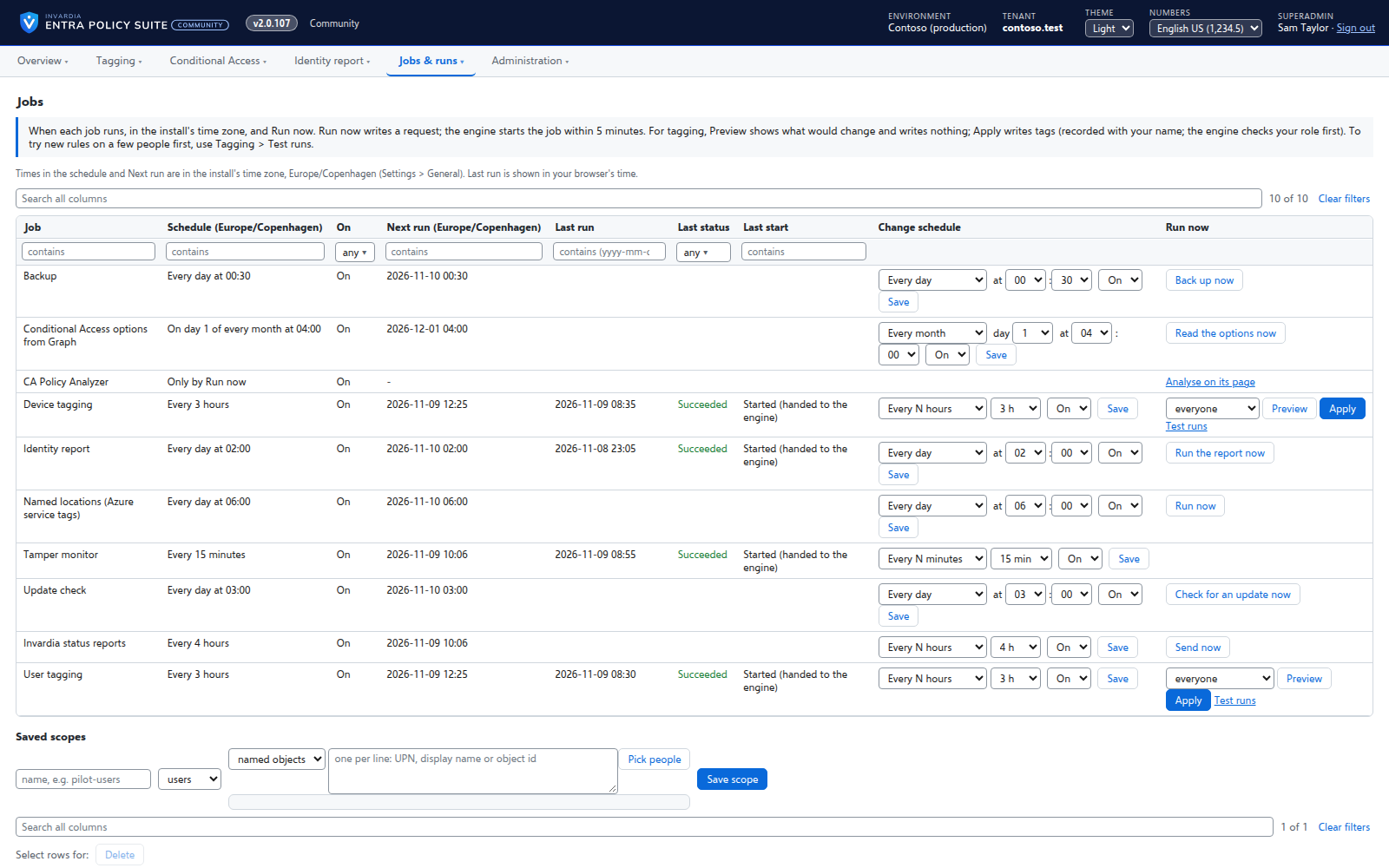
Every job runs on the schedule you set - daily, weekly or every few hours - with Preview and Apply on demand.
Purpose
Tags must stay right as people join, move and leave, but nobody wants to start scripts by hand or maintain a separate scheduler.
Design
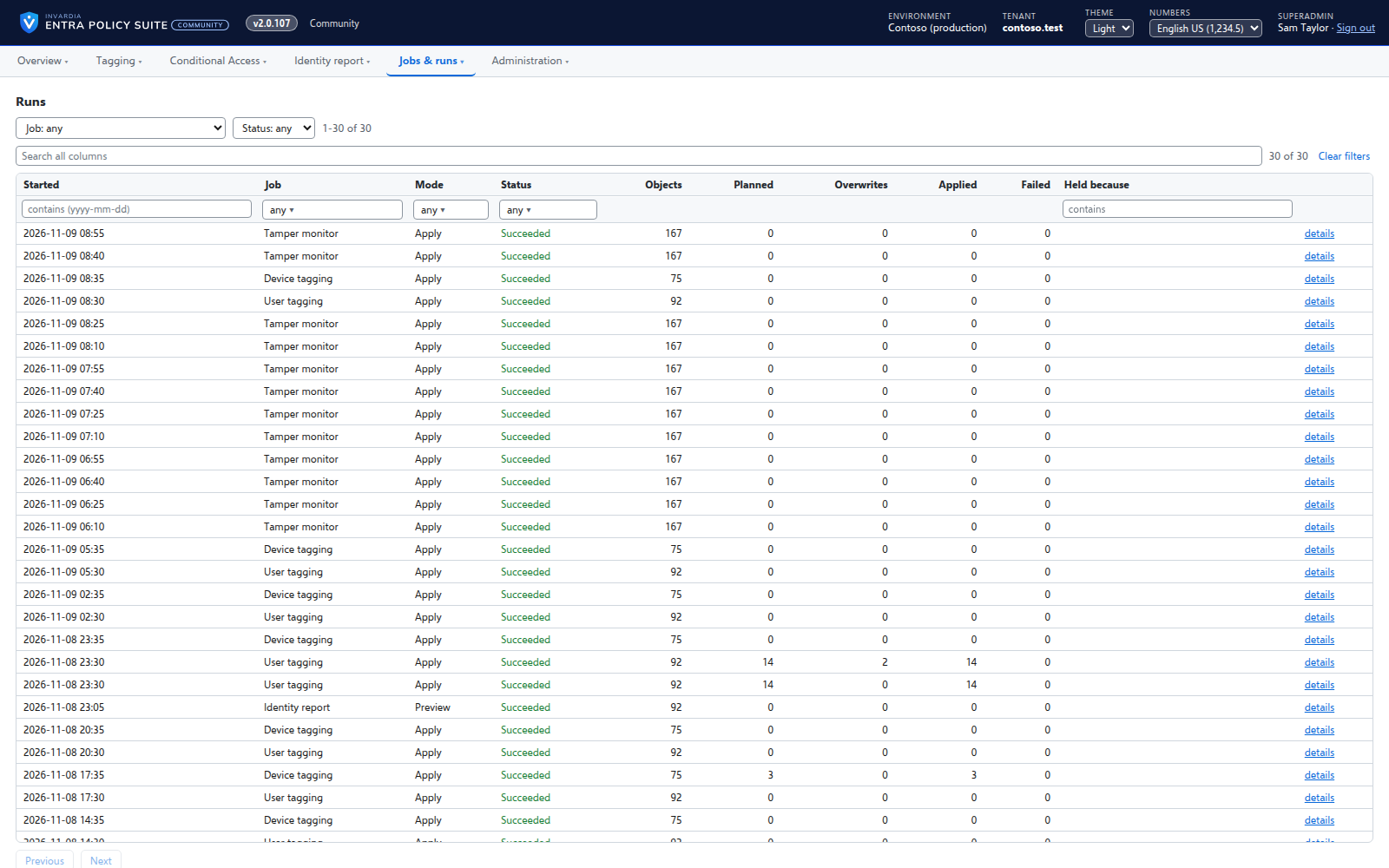
A scheduler checks every 5 minutes which job is due and asks for it on that job's own queue; the job starts from its queue. Each job's schedule (daily HH:mm, weekly, every N hours or minutes, manual) and on / off are edited on the Jobs page, in the install's time zone. An admin asks for a Preview or an Apply now, on everyone or a saved test scope. Every run is listed with its counts and its step-by-step log.
Business opportunities
Tagging and reporting run by themselves, and every run can be traced.
Related features
Rules you edit like a spreadsheet
Every tagging rule on one page, edited like Excel: select, copy and paste, fill down, duplicate, move and switch on or off - many rules at once.
User tagging
Every user gets its tags from your rules - cloud users in Entra ID, AD-synced users in Active Directory.
Device tagging
Every device gets its category - privileged access workstation, corporate Windows, kiosk, corporate or personal phone - from your device rules.
A hybrid worker for Active Directory
Tags of AD-synced users are written in Active Directory by a small worker that only connects out and has no password.