

PIM for on-premises Active Directory
Just-in-time membership of on-premises AD groups, driven by PIM activation in the cloud and applied by a small hybrid worker.
Purpose
Domain admin rights are often the last standing privilege in a hybrid estate, because Entra PIM does not reach into Active Directory.
Design
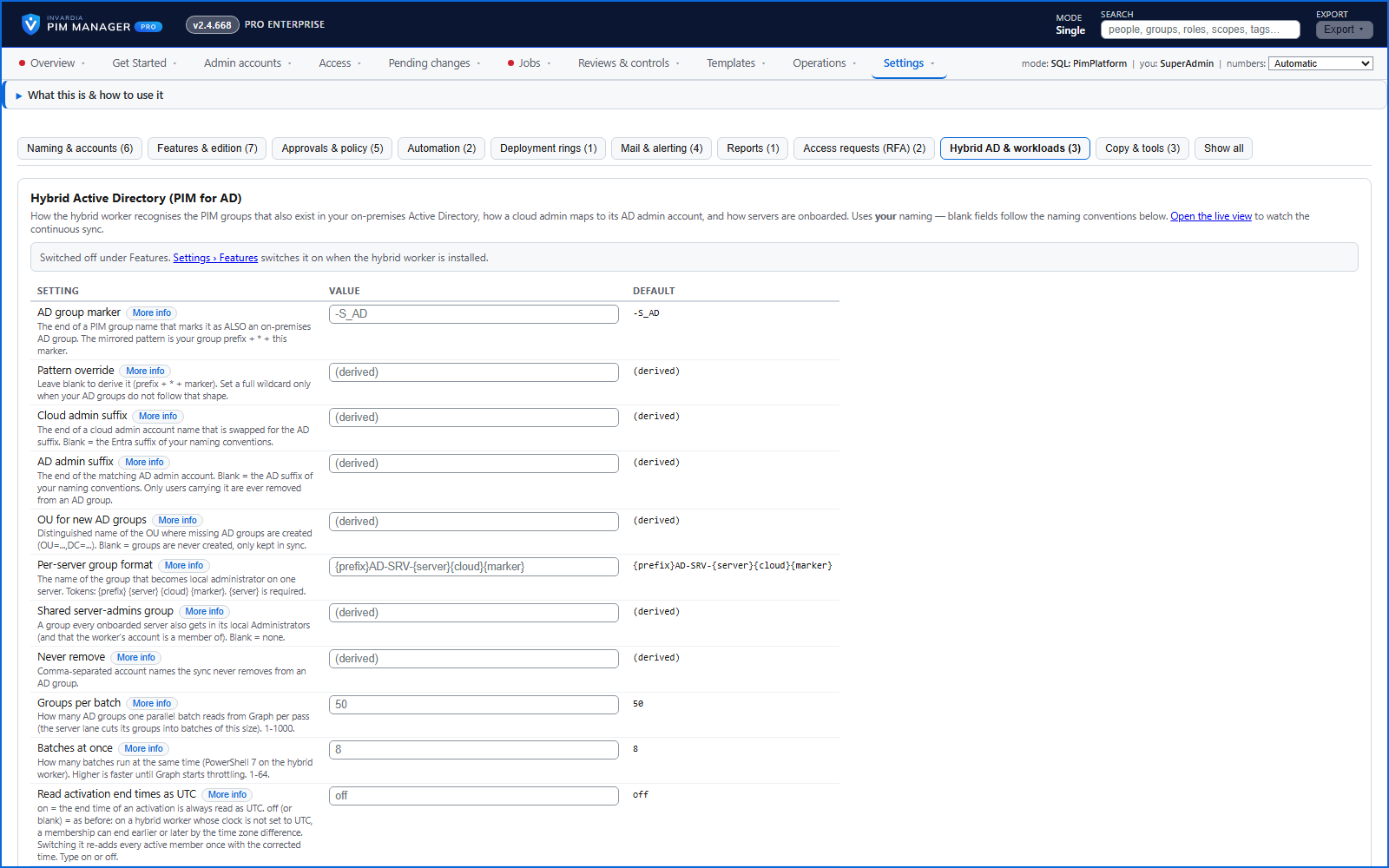
PIM groups marked for Active Directory are mirrored to AD groups. A person who activates such a group in PIM is put into its AD group on the hybrid worker's next pass, for the time left on the activation, and is taken out when it ends. Admin accounts whose platform is Active Directory are created and kept up to date in the organizational unit your naming settings name, and servers can be onboarded so each server's own administrator group is added to its local Administrators.
The work is done by a small domain-joined Windows server: either an Azure VM that the setup builds in its own network, peered to your domain controllers, with no public IP, or your own domain-joined server that is Azure Arc-enabled. It runs as one group managed service account per privilege tier, and no password or secret is stored on the server. The names of AD groups, admin accounts and organizational units are yours to set in Settings.
Business opportunities
Just-in-time admin rights for Active Directory and servers, with the same approval, MFA and audit as the cloud.
Related features
Access map: your delegation model on one board
Pick a person or a permission and see every path in your delegation model - people, their groups, what those groups include and the roles and scopes they grant.
Look up a role: find the least-privileged role for the job
See what an Entra ID role can do in plain words, find the roles that grant an action ranked least-privileged first, see who can activate a role, or compare two roles.
PIM Activator: activate the access you need, together
A browser extension for Edge and Chrome: tick the groups and roles you need, give one justification and activate them together - three clicks for a typical activation.
PIM policy changes wait for a SuperAdmin
A policy run plans its changes and holds them until a SuperAdmin approves that exact change set, with the setting that weakens protection marked.