

Ready-made permission packs
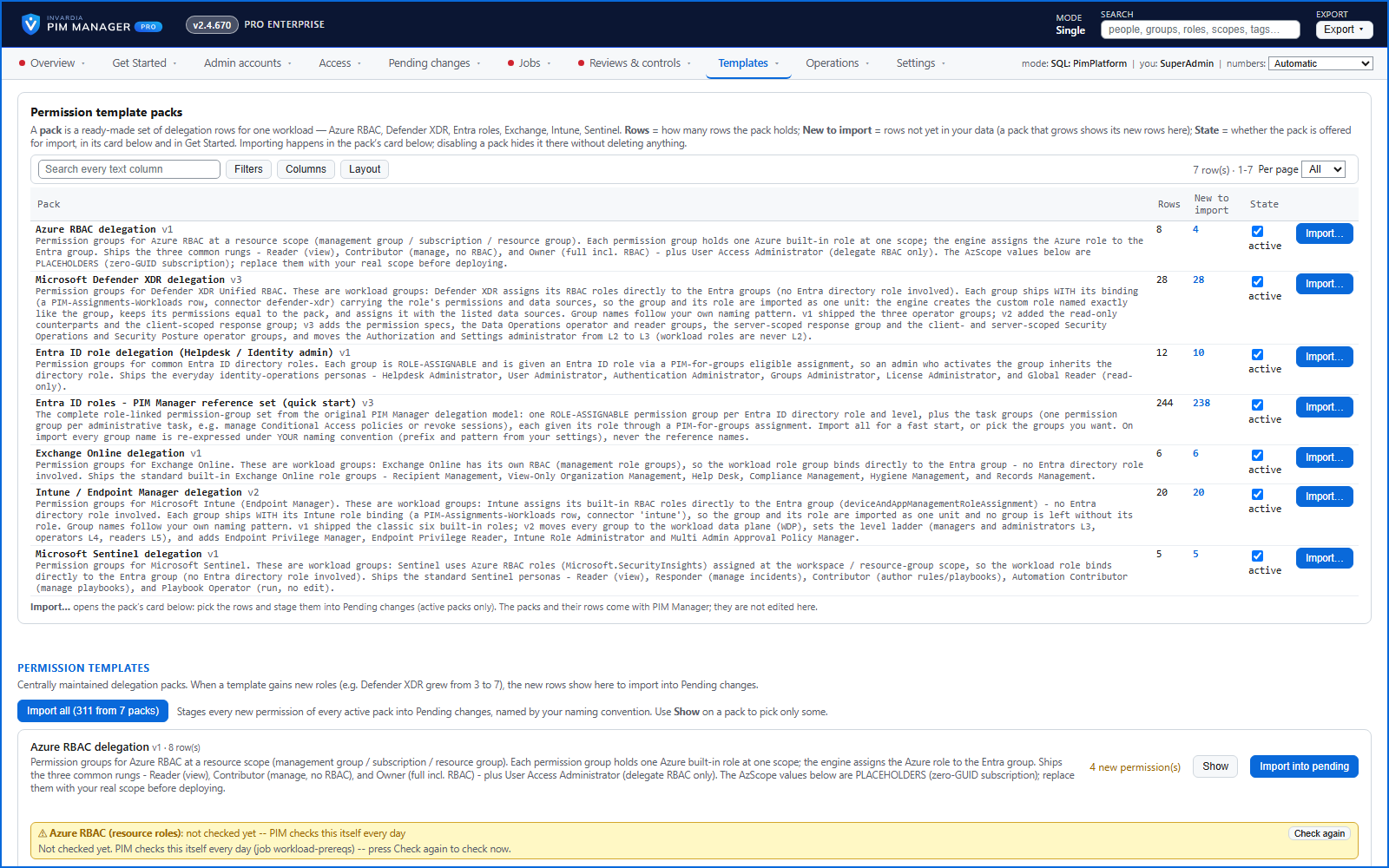
Ready-made permission groups for Azure RBAC, Defender XDR, Entra ID, Exchange Online, Intune and Microsoft Sentinel - import the rows you tick.
Purpose
Designing a tiered permission model from scratch takes weeks, and each tenant ends up slightly different.
Design
Each pack is a curated set of delegation rows for one Microsoft service, named and tiered by your own convention. Templates > Workload templates lists each pack with how many rows it holds, how many are new to import and whether it is offered; switching a pack off hides it from import without deleting anything. Import opens the pack's card on the same page, where you pick the rows and stage them into Pending changes. The packs come with PIM Manager and are not edited in the portal. A pack that grows later shows only its new rows.
Business opportunities
A working least-privilege model in hours, consistent across the environments you run.
Related features
Access map: your delegation model on one board
Pick a person or a permission and see every path in your delegation model - people, their groups, what those groups include and the roles and scopes they grant.
Look up a role: find the least-privileged role for the job
See what an Entra ID role can do in plain words, find the roles that grant an action ranked least-privileged first, see who can activate a role, or compare two roles.
PIM Activator: activate the access you need, together
A browser extension for Edge and Chrome: tick the groups and roles you need, give one justification and activate them together - three clicks for a typical activation.
Roll out the PIM Activator from one guided page
One page takes you through deploying the browser extension: the sign-in apps, the settings, the Intune remediation, Edge for Business and PCs and servers without Intune.