

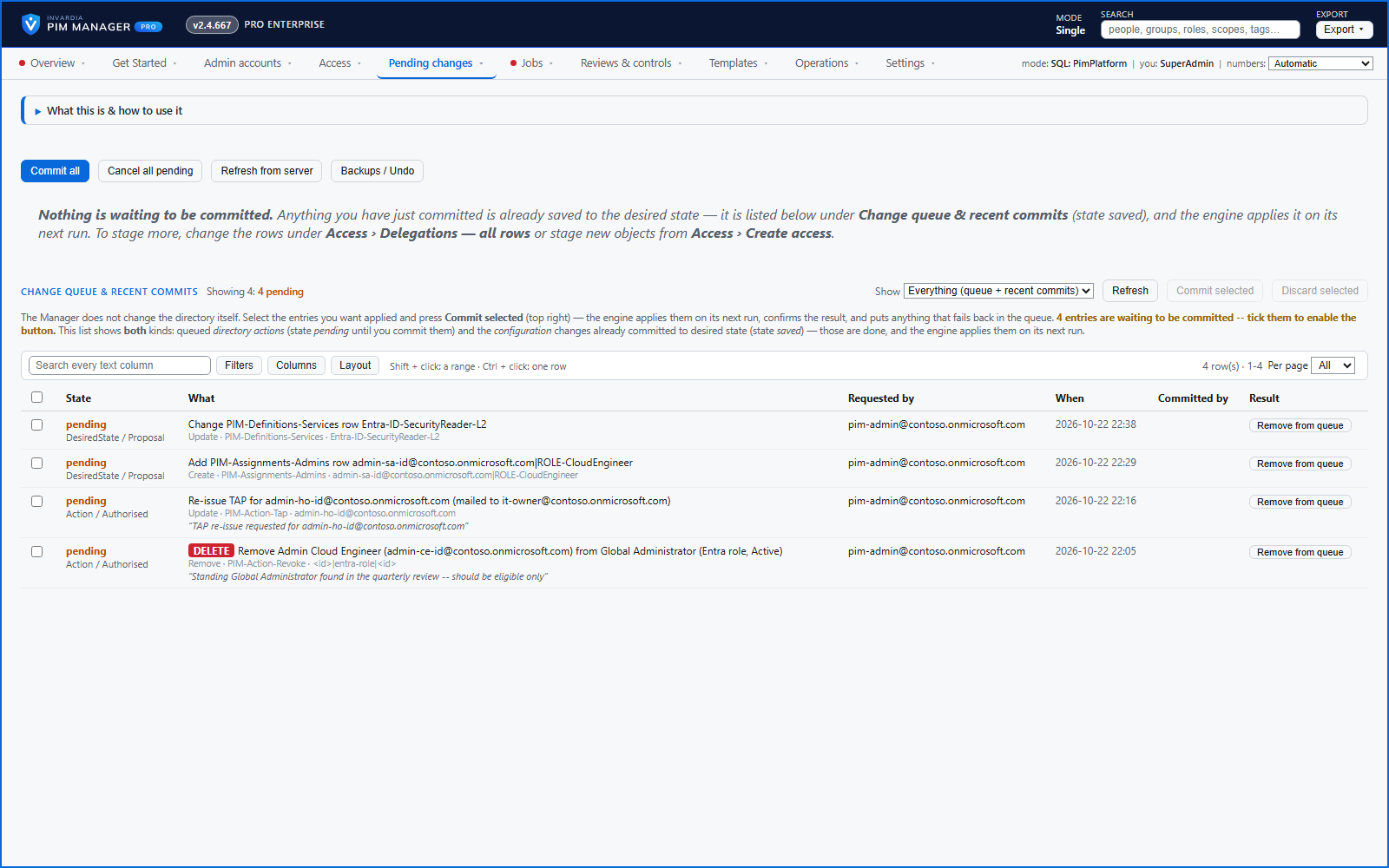
One queue for the changes you make - reviewed, backed up, reversible
Configuration edits, revokes, access-pass re-issues and session revokes wait in one queue until someone commits them.
Purpose
A wrong click in a privileged-access tool is expensive. Changes made straight to the tenant cannot be reviewed beforehand or cleanly undone afterwards.
Design
A change you make in the Manager is staged in Pending changes, where a keyed diff shows exactly what is added, changed or removed; reordering rows is shown as no change. PIM Manager does not commit a change you staged on your behalf. Staged edits are kept in PIM Manager's database, so they survive a page reload, and administrators see each staged change and who staged it. A commit first re-checks the changes and lists any blocking error with the rows it concerns and a link to its fix.
Before a commit is written, the affected data is backed up. The commit writes your model in one database transaction: if any part fails, the whole change to the model is rolled back, and the engine then applies the committed model to the tenant item by item. Backups / Undo lists the recent snapshots and plans the inverse change, which you commit through the same checks. A few changes follow a rule you set instead of a commit, such as a passing auto-disable date; each runs inside the guards and is written to the audit trail.
Business opportunities
Administrators can work quickly because mistakes are caught before they land and can be reversed after. Change advisory boards get a clear, reviewable list instead of a description.
Related features
Who can do what - and who can activate this role
Pick a person to see the targets they can reach, or pick a role to see who can activate it - each with the exact path that grants it.
An engine that keeps your tenant matching your model
You describe the access you want; the engine creates the groups, owners, policies, assignments and access passes your data defines, and keeps them that way.
Drift: live versus desired, with a decision for each difference
See what is missing, what was changed and what is extra in the tenant - and decide what happens to each item: Apply now, Import into PIM, Delete, Ignore or Re-add.
PIM policy changes wait for a SuperAdmin
A policy run plans its changes and holds them until a SuperAdmin approves that exact change set, with the setting that weakens protection marked.