

An engine that keeps your tenant matching your model
You describe the access you want; the engine creates the groups, owners, policies, assignments and access passes your data defines, and keeps them that way.
Purpose
Privileged access set up by hand drifts from the day it is created: a role granted for a project stays, a policy is changed in the portal, a group loses its owner. Nobody notices until an audit.
Design
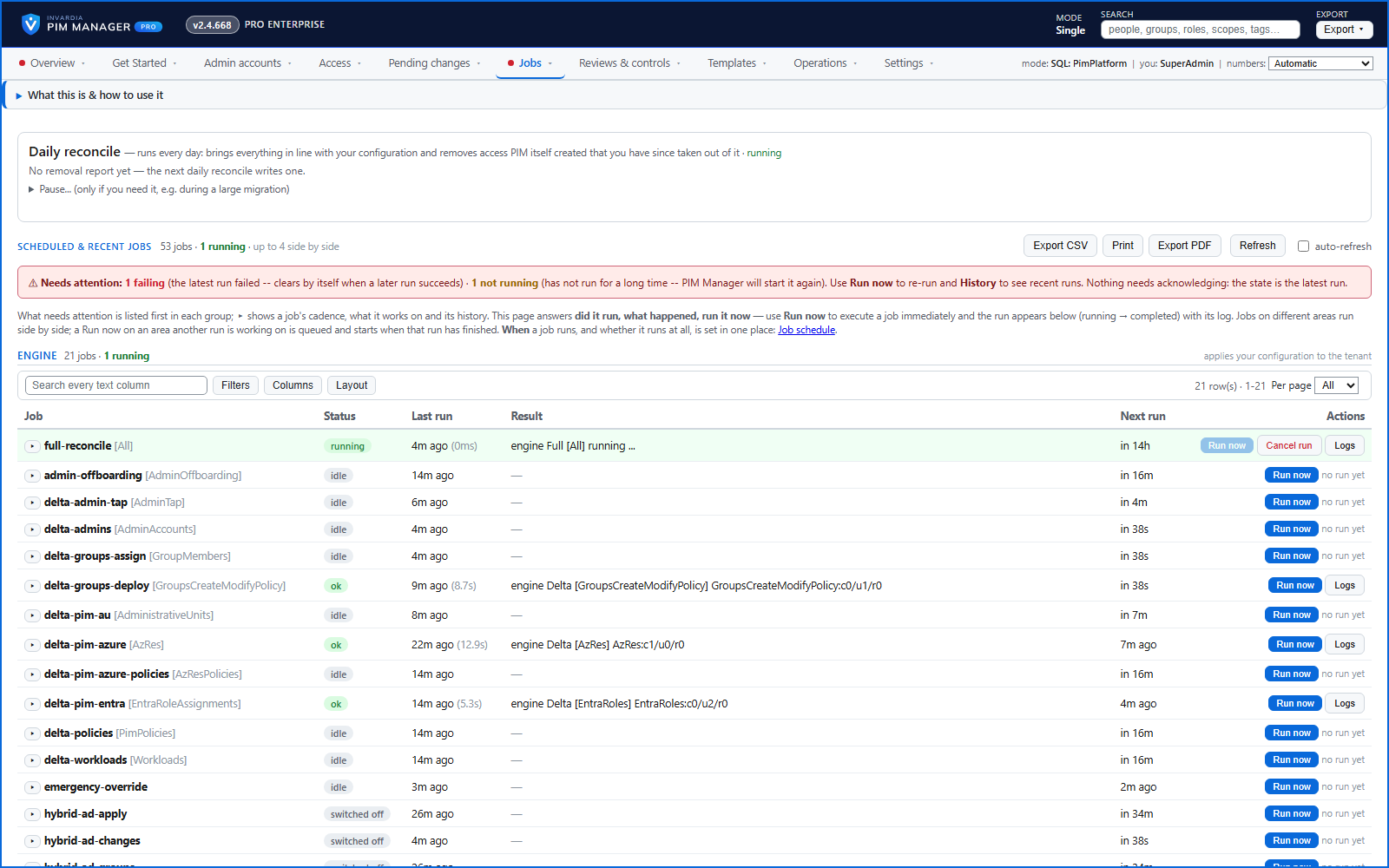
The engine reads the desired state from your database and applies it to Entra ID, Azure and the workloads over direct REST calls, with no PowerShell modules. It runs as a scheduled job; a commit or Run now starts it at once when PIM Manager holds the right to start the job, and otherwise the next scheduled start picks the change up within about five minutes. Only the engine steps that read the changed data run. Queued actions such as a pass re-issue or a session revoke are applied between steps, so they land within minutes even during a long run.
The engine logs each action, and errors name the real object - the group, the role and the scope - instead of an object id.
Business opportunities
The tenant matches what you decided without anyone wiring it up by hand. Platform teams stop maintaining access and start governing it.
Related features
PIM Activator: activate the access you need, together
A browser extension for Edge and Chrome: tick the groups and roles you need, give one justification and activate them together - three clicks for a typical activation.
Roll out the PIM Activator from one guided page
One page takes you through deploying the browser extension: the sign-in apps, the settings, the Intune remediation, Edge for Business and PCs and servers without Intune.
Get Started: the steps to a working environment
A guided list of the steps that make an environment work - each marked done or still open from your own data.
One queue for the changes you make - reviewed, backed up, reversible
Configuration edits, revokes, access-pass re-issues and session revokes wait in one queue until someone commits them.