

MSP: define once, roll out to your managed tenants
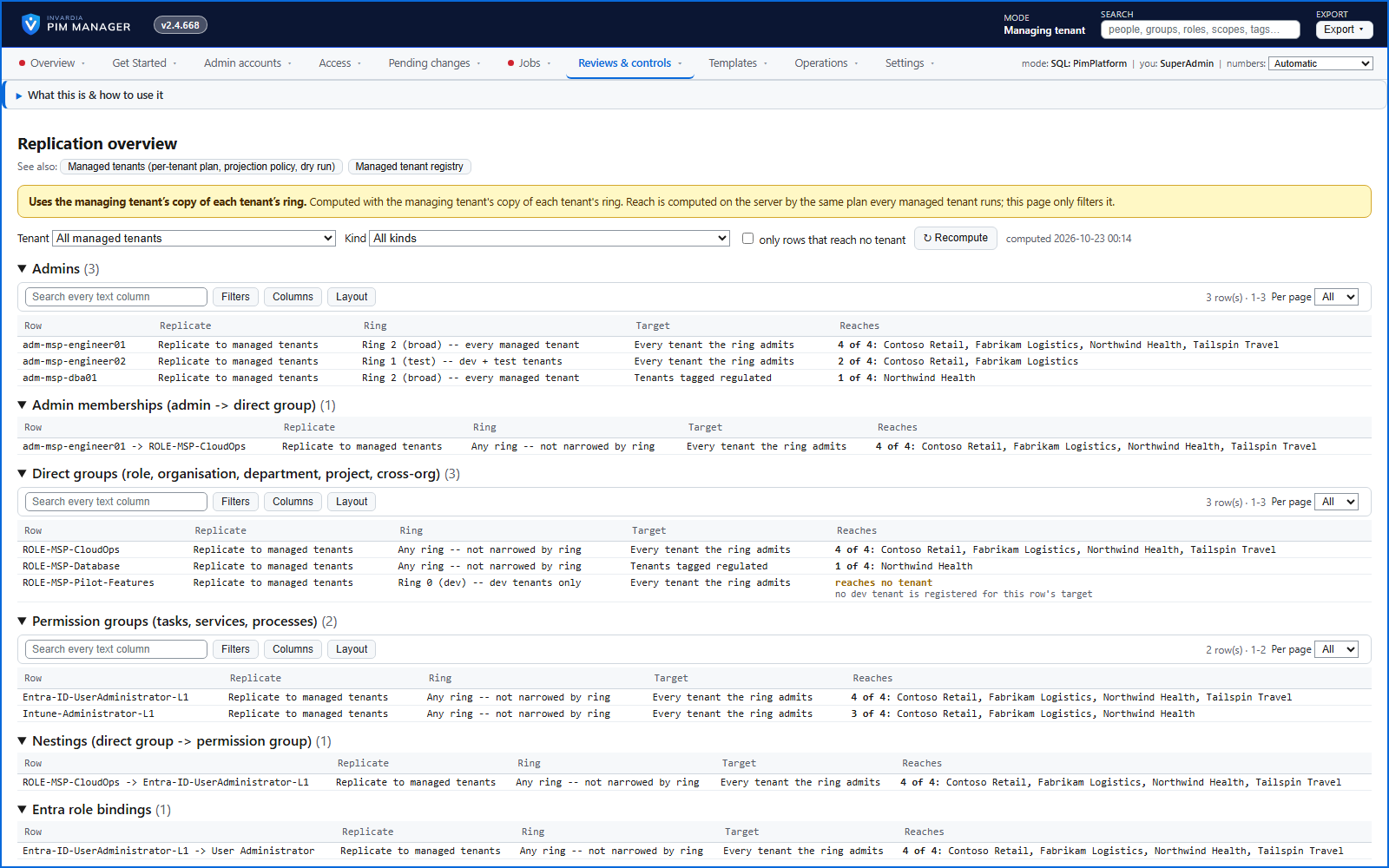
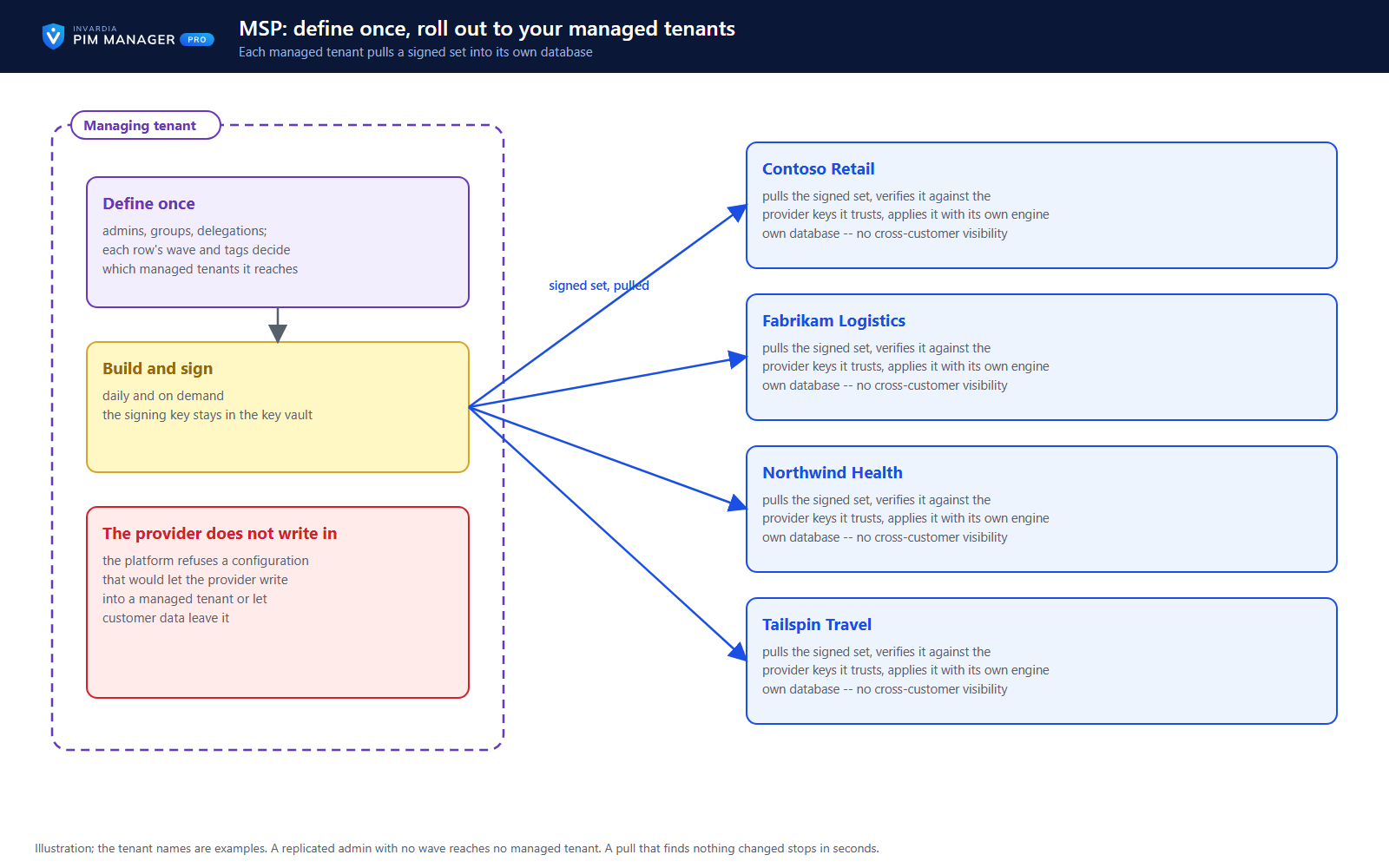
A provider defines admins and delegations once, and each managed tenant pulls a signed set into its own database - the managing tenant holds no rights in a managed tenant.
Purpose
Service providers manage privileged access in dozens of customer tenants, usually by hand, tenant by tenant, with no proof that each one matches the standard.
Design
The managing tenant builds and signs a definition set daily and on demand, with a signing key that stays in its key vault. Each managed tenant pulls it, checks the signature against the provider keys it chose to trust, and applies it with its own engine and identity. Each customer has its own database with no cross-customer visibility, and the platform refuses a configuration that would let the provider write into a managed tenant or let customer data leave it. What the provider sent is marked as sent by the managing tenant; local access stays the customer's own. A pull that finds nothing changed stops in seconds.
Business opportunities
One standard across your customers, applied in their own tenants under their own control - a managed service you can offer to security-conscious customers.
Related features
PIM Activator: activate the access you need, together
A browser extension for Edge and Chrome: tick the groups and roles you need, give one justification and activate them together - three clicks for a typical activation.
Roll out the PIM Activator from one guided page
One page takes you through deploying the browser extension: the sign-in apps, the settings, the Intune remediation, Edge for Business and PCs and servers without Intune.
An engine that keeps your tenant matching your model
You describe the access you want; the engine creates the groups, owners, policies, assignments and access passes your data defines, and keeps them that way.
Get Started: the steps to a working environment
A guided list of the steps that make an environment work - each marked done or still open from your own data.