

More workloads: Power BI, enterprise apps, Azure DevOps, Dataverse and more
Grant the same groups Power BI workspace access, app roles in enterprise applications, and roles in Azure DevOps, Dataverse, Business Central and Power Platform.
Purpose
Privileged access does not stop at Entra ID and Azure. Line-of-business apps and data platforms hold sensitive roles too, usually managed by hand.
Design
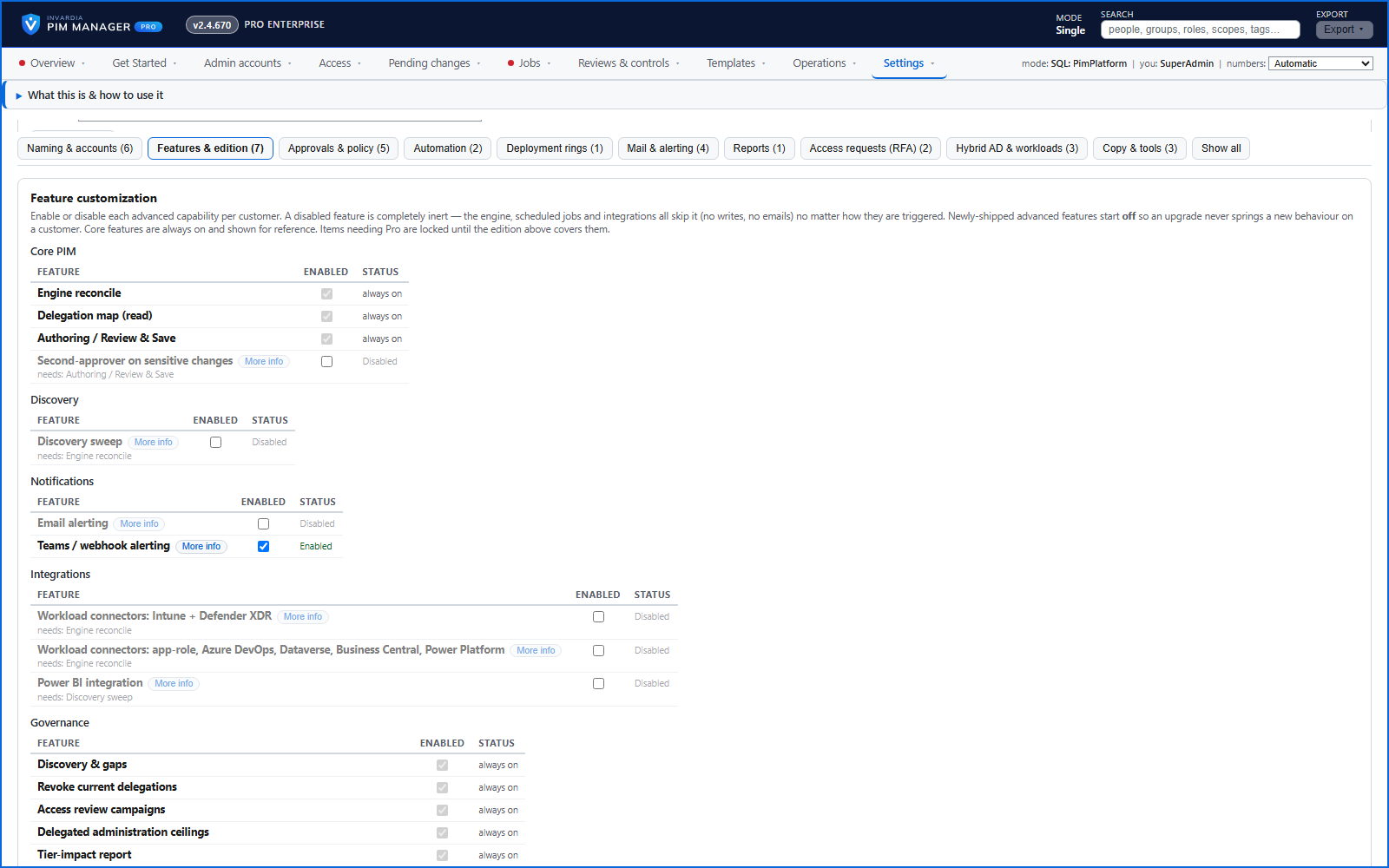
Connectors give your delegation groups the right role assignments in each workload. One generic connector grants an app role in an enterprise application - gallery apps such as SAP, ServiceNow or Salesforce, or your own apps - by naming the app and the role. Each connector matches what already exists, so a re-run does not duplicate an assignment, and it reports clearly when a named role does not exist. Each connector has its own switch under Settings > Features & edition and starts off.
Business opportunities
Extends the same governance, reviews and audit trail to the business applications where sensitive data lives.
Related features
Access map: your delegation model on one board
Pick a person or a permission and see every path in your delegation model - people, their groups, what those groups include and the roles and scopes they grant.
Look up a role: find the least-privileged role for the job
See what an Entra ID role can do in plain words, find the roles that grant an action ranked least-privileged first, see who can activate a role, or compare two roles.
PIM Activator: activate the access you need, together
A browser extension for Edge and Chrome: tick the groups and roles you need, give one justification and activate them together - three clicks for a typical activation.
Roll out the PIM Activator from one guided page
One page takes you through deploying the browser extension: the sign-in apps, the settings, the Intune remediation, Edge for Business and PCs and servers without Intune.