

Entra ID, Azure, Intune and Defender XDR from one model
Entra ID roles, PIM for Groups, administrative units, Azure roles, Intune roles and Defender XDR roles - granted the same way, through groups.
Purpose
Each Microsoft admin portal has its own role model. Managing them separately means separate processes, separate reviews and gaps between them.
Design
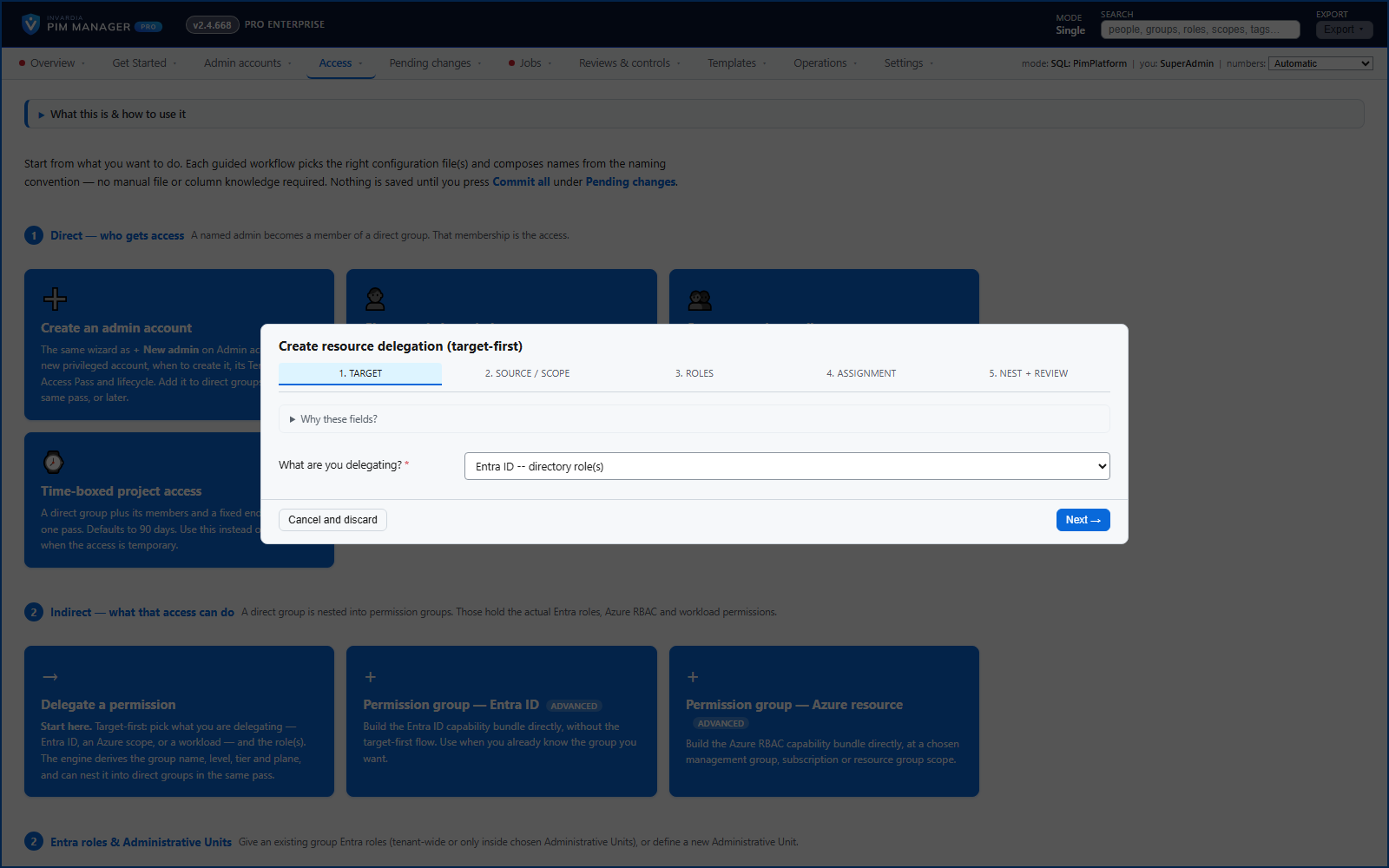
Delegate a permission starts from the target: Entra ID directory roles, an Azure role at a resource scope, or a workload. A permission group can hold Entra ID roles (tenant-wide or in an administrative unit), Azure roles at a management group, subscription, resource group or resource, an Intune role for all devices and all licensed users (scope groups and scope tags stay in Intune), or a Defender XDR Unified RBAC role, including Defender custom roles that PIM Manager creates and keeps. Exchange Online, SharePoint and Teams administration is delegated through their Entra ID roles. A workload group without its role, or a workload role held by a group PIM Manager does not define, is flagged.
Business opportunities
One process and one review for privileged access across Entra ID, Azure, endpoint management and security operations - included in the free Community edition.
Related features
Access map: your delegation model on one board
Pick a person or a permission and see every path in your delegation model - people, their groups, what those groups include and the roles and scopes they grant.
Look up a role: find the least-privileged role for the job
See what an Entra ID role can do in plain words, find the roles that grant an action ranked least-privileged first, see who can activate a role, or compare two roles.
PIM Activator: activate the access you need, together
A browser extension for Edge and Chrome: tick the groups and roles you need, give one justification and activate them together - three clicks for a typical activation.
Revoke active access - staged, justified, break-glass accounts skipped
Select active assignments on Delegation overview and revoke them through Pending changes, with a business reason, break-glass accounts skipped and a second administrator for a large batch.