

The API and MCP reference, inside the Manager
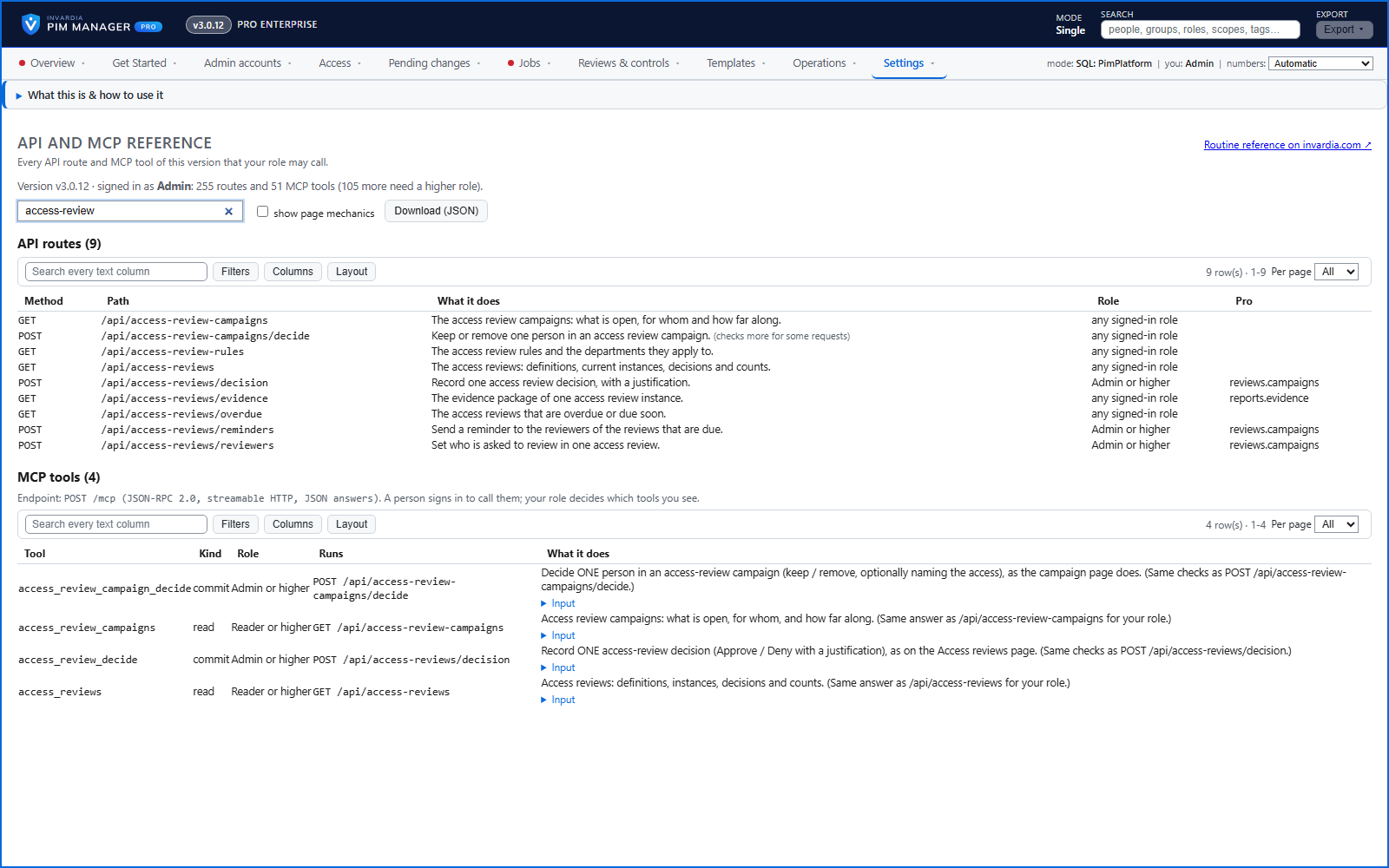
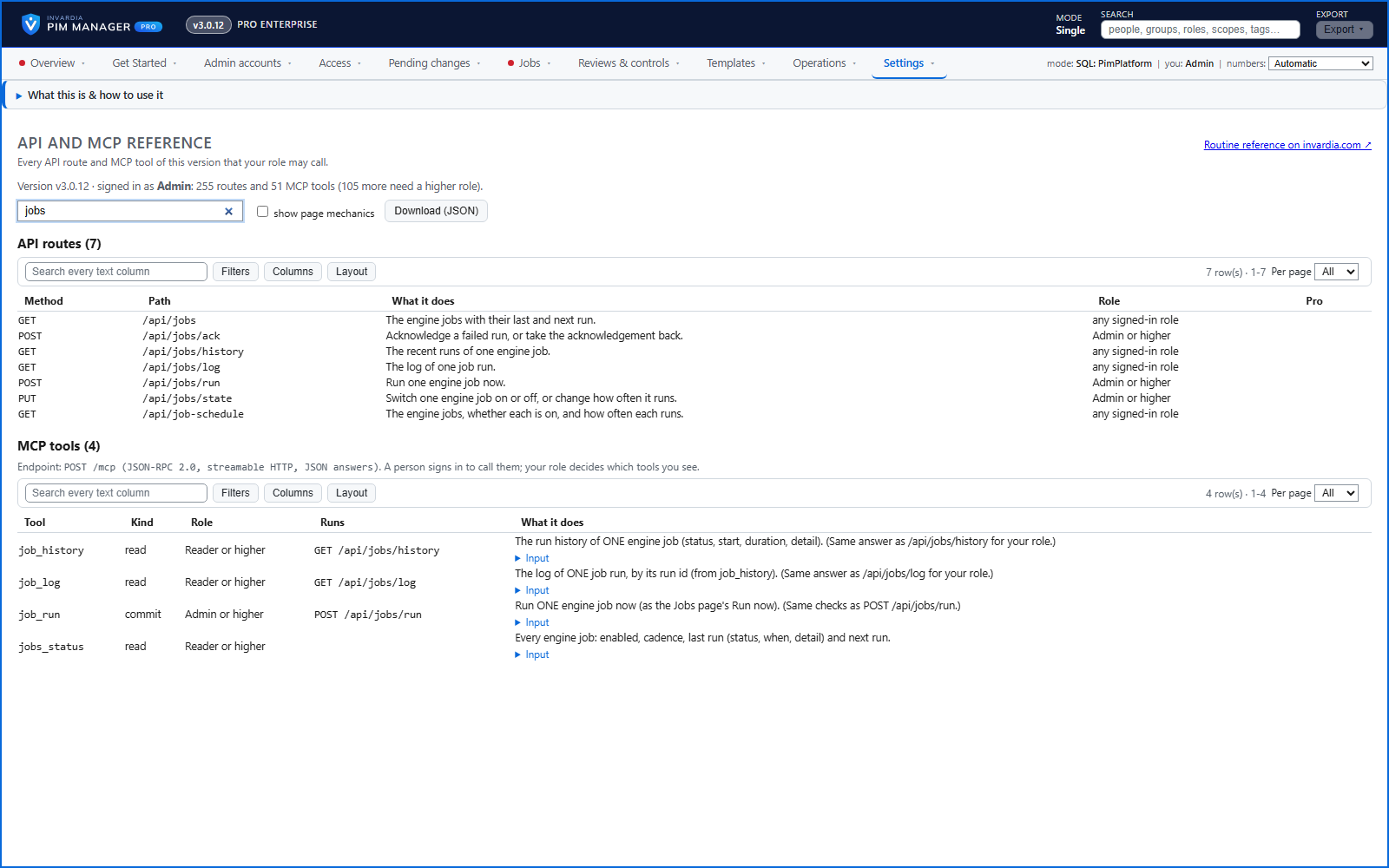
Settings > API and MCP reference shows every route and AI-assistant tool of the version you run that your own role may call, each with a plain description.
Purpose
Before a script or an assistant can do routine work, someone has to know which calls exist and which role each one needs - and that list changes with every release.
Design
The reference is built from the code of the running version and filtered to the signed-in person's role, so it never lists something you cannot call. Search it by subject to see the routes and the matching assistant tools together. The everyday public reference is on invardia.com under Docs > API and MCP.
Business opportunities
Integration and automation start from an accurate list instead of guesswork, and the list is always the one for the version you actually run.
Related features
PIM Activator: activate the access you need, together
A browser extension for Edge and Chrome: tick the groups and roles you need, give one justification and activate them together - three clicks for a typical activation.
Roll out the PIM Activator from one guided page
One page takes you through deploying the browser extension: the sign-in apps, the settings, the Intune remediation, Edge for Business and PCs and servers without Intune.
An engine that keeps your tenant matching your model
You describe the access you want; the engine creates the groups, owners, policies, assignments and access passes your data defines, and keeps them that way.
Get Started: the steps to a working environment
A guided list of the steps that make an environment work - each marked done or still open from your own data.