

Alerts by mail and Teams
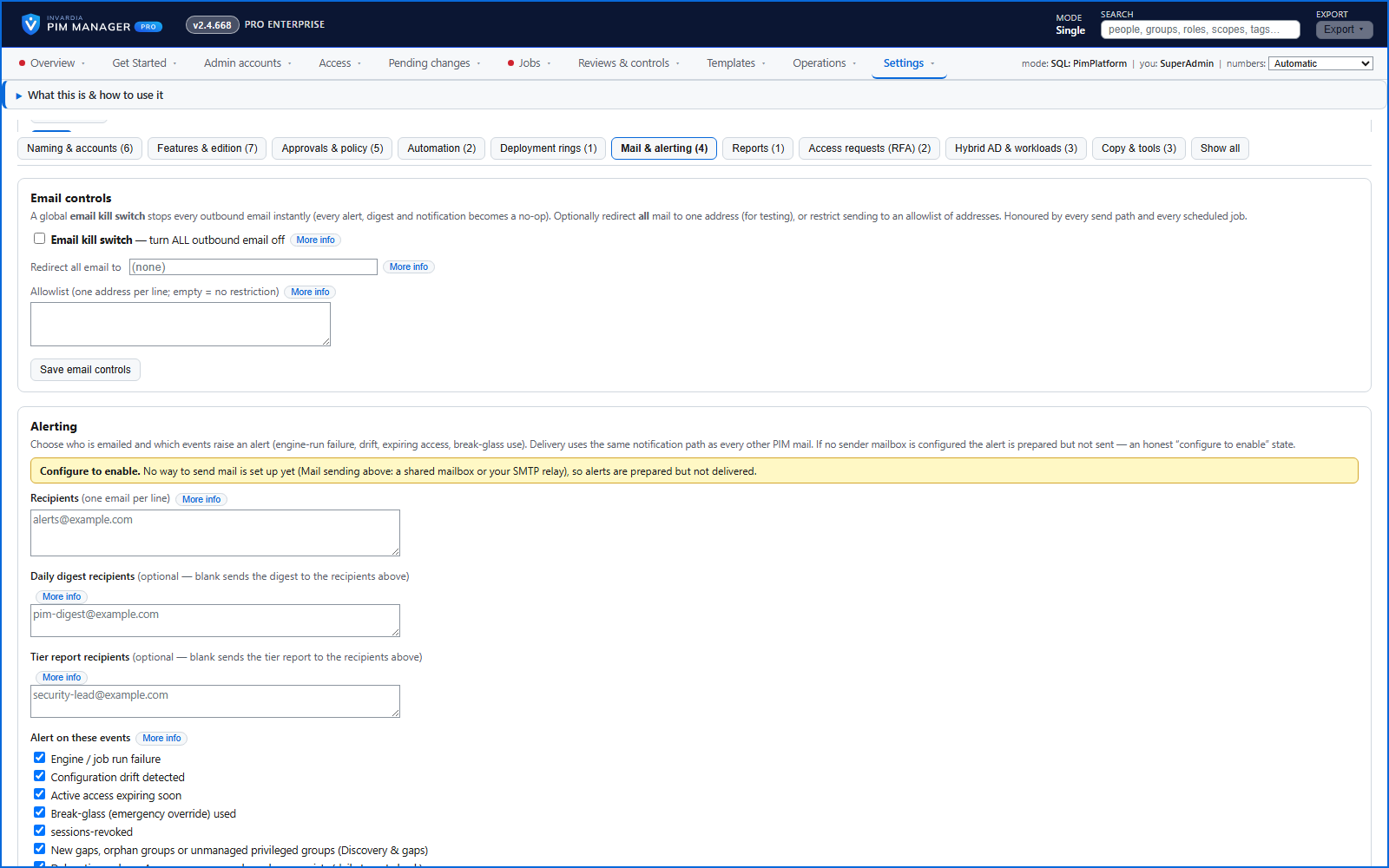
A failed run, drift, access expiring soon and break-glass use - by mail, to a Microsoft Teams channel or to another https webhook.
Purpose
An alert nobody can verify is no better than no alert, and an alert that fires on each run gets ignored.
Design
Choose who is told and which events raise an alert. Alerts go by mail and, if you add one, to a Microsoft Teams channel or another public https webhook: a Teams address gets a card colored by severity, any other endpoint a JSON payload a Logic App or ticketing tool can act on. The same condition is mailed once and then at most once a day. Daily checks also mail delegations that point at Azure resources or roles that no longer exist, and changes staged but not committed.
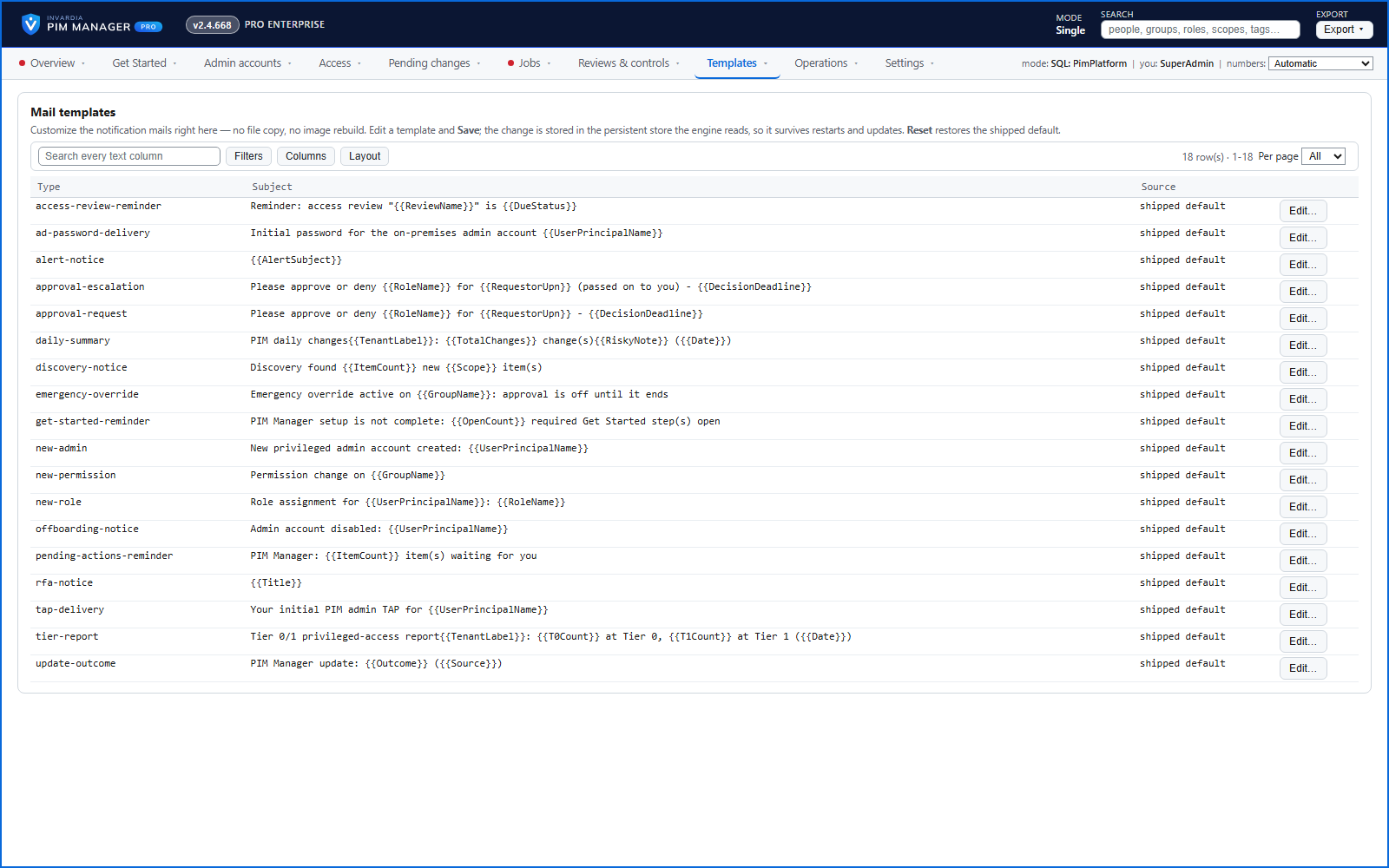
Notification mails come from templates you can edit in the Manager and reset to the original. One switch turns all outbound mail off, and mail can be redirected to one address or limited to an allowlist.
Business opportunities
Operations hear about real problems in the channel they live in, and you decide which mails leave the environment.
Related features
Access map: your delegation model on one board
Pick a person or a permission and see every path in your delegation model - people, their groups, what those groups include and the roles and scopes they grant.
Who can do what - and who can activate this role
Pick a person to see the targets they can reach, or pick a role to see who can activate it - each with the exact path that grants it.
Look up a role: find the least-privileged role for the job
See what an Entra ID role can do in plain words, find the roles that grant an action ranked least-privileged first, see who can activate a role, or compare two roles.
PIM Activator: activate the access you need, together
A browser extension for Edge and Chrome: tick the groups and roles you need, give one justification and activate them together - three clicks for a typical activation.