

See who a Conditional Access policy will hit
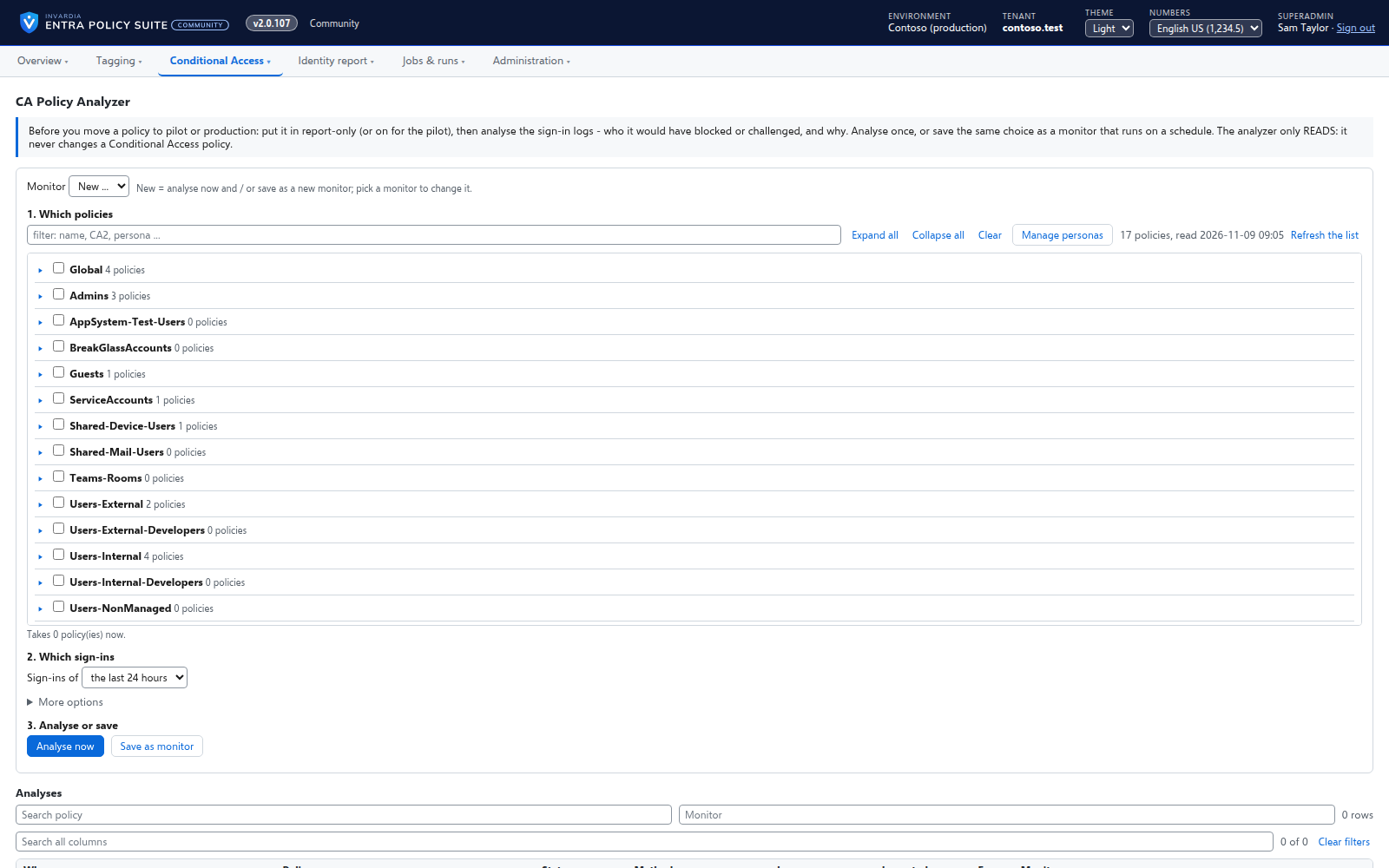
Before you move a policy to the next stage, the CA Policy Analyzer reads the sign-in logs and shows which users the policy blocked or challenged, and why.
Purpose
A Conditional Access policy in report-only mode tells you very little until someone reads the sign-in logs user by user. Moving it to Prod without that check is how users get locked out.
Design
Pick a policy or a series, run the analysis, and get a result per user: blocked, challenged, recovered or fine, from the real sign-in logs of the window you choose. Monitors run the same analysis on a schedule and mail their own recipients only when users are impacted. The analyzer only reads: it never changes a policy. Results can be exported to CSV and Excel.
Business opportunities
Every stage change is backed by evidence of who it affects, so a rollout does not end as a help desk incident.
Related features
Rules you edit like a spreadsheet
Every tagging rule on one page, edited like Excel: select, copy and paste, fill down, duplicate, move and switch on or off - many rules at once.
A commit queue for every rule change
A saved change waits until an admin commits it - nothing reaches the directory the moment someone types.
The identity report as gap views
A daily, read-only snapshot of every user and device, shown as gaps with a severity and how to close them.
Changes applied by the engine, every one audited
A change made in the web app is carried out by the engine for the person who made it, and recorded in an append-only audit trail.