

Conditional Access you move stage by stage
Adopt the Conditional Access policies you already have, move each one to Pilot or Prod with a button, and see when a policy drifts or loses its break-glass exclusion.
Purpose
Conditional Access decides who gets into the tenant. A policy turned on for everyone too early can lock people out, and a change made by hand in the portal is easy to miss. Most teams move a policy through pilot stages by hand, with scripts, and keep track in a spreadsheet.
Design
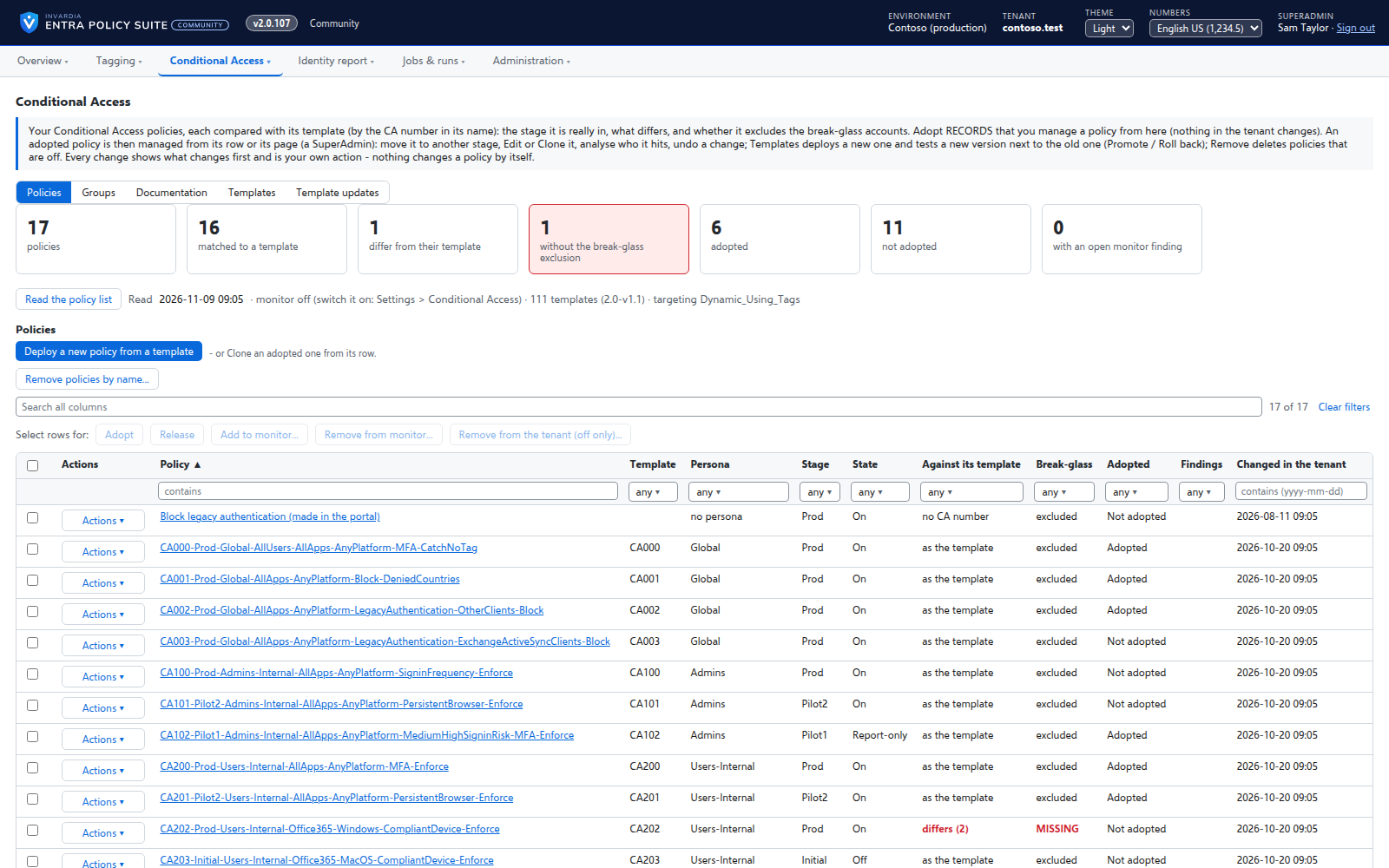
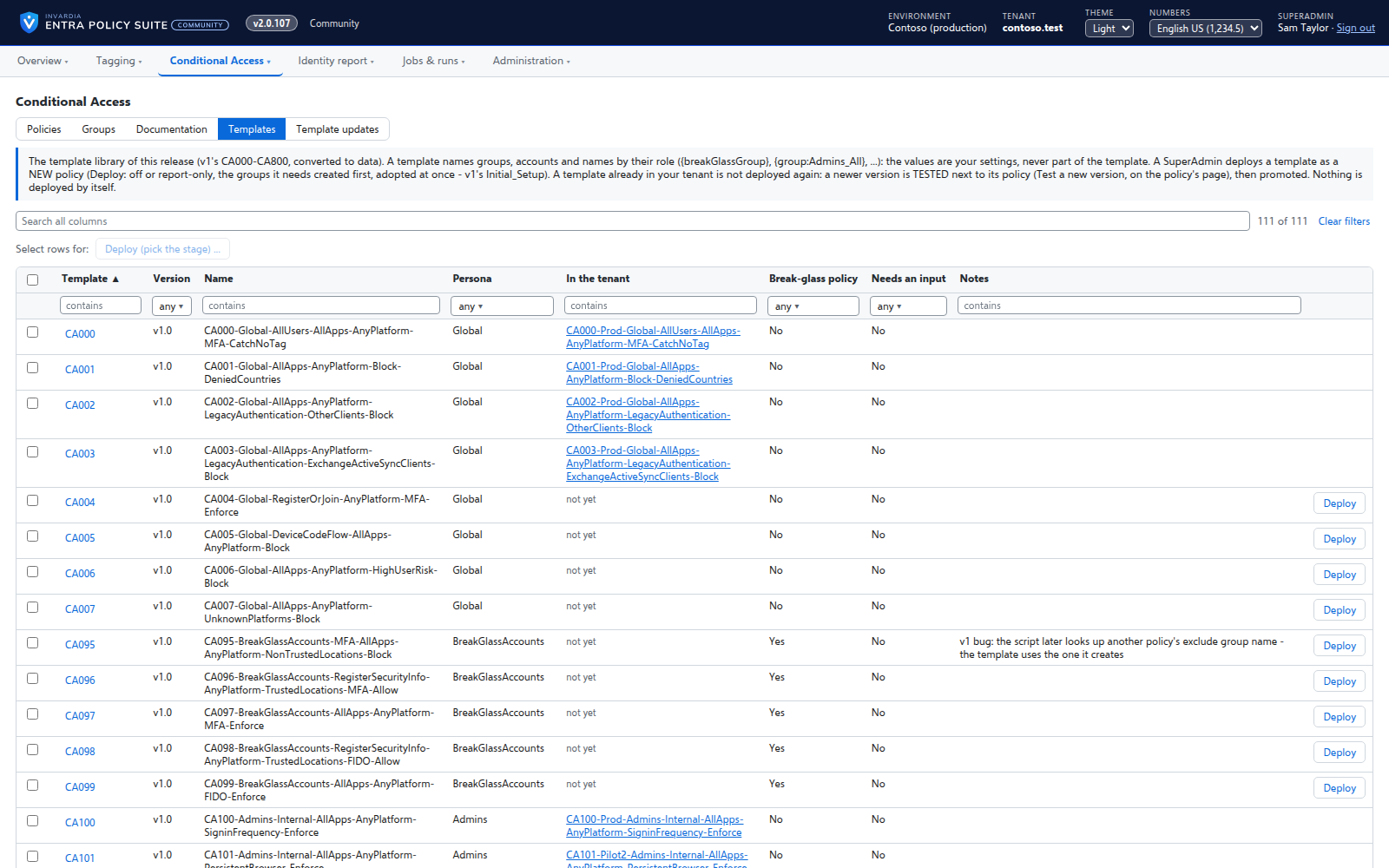
Entra Policy Suite reads every Conditional Access policy and shows its stage: off, report-only (Pilot1), on for a pilot group (Pilot2 or Pilot3) or on for everyone (Prod). You adopt the policies you want to manage; nothing in the tenant changes when you adopt. A SuperAdmin then moves an adopted policy to any stage with the Move to picker - the dialog shows the policy as it is and as it will be, a move that skips stages says so, and the move needs a reason. The engine applies it, and refuses a result that would not exclude the break-glass accounts.
Nothing moves a policy on its own: no schedule, no job and no update ever writes a policy. Monitoring shows and mails a policy that changed since you adopted it, or that no longer excludes the break-glass accounts - what to do is your decision. The documentation view lists every policy in plain words, with the template library beside it.
Business opportunities
Your Conditional Access rollout becomes a controlled, recorded change: one policy at a time, with a reviewer's reason, and a warning when someone changes a policy outside the process.
Related features
Rules you edit like a spreadsheet
Every tagging rule on one page, edited like Excel: select, copy and paste, fill down, duplicate, move and switch on or off - many rules at once.
A commit queue for every rule change
A saved change waits until an admin commits it - nothing reaches the directory the moment someone types.
Tamper monitor
Reports every change to a watched tag that Entra Policy Suite did not make, with who made it and what it means.
Alert mail from one mailbox only
Alerts are sent from a shared mailbox that the engine may send as - and no other mailbox in the tenant.