

Backups and undo for policies and tagging
Every Conditional Access policy and the tagging configuration backed up every day and before every change, with restore and undo.
Purpose
When a policy or a rule set is changed by mistake, the question is how fast you can put it back exactly as it was.
Design
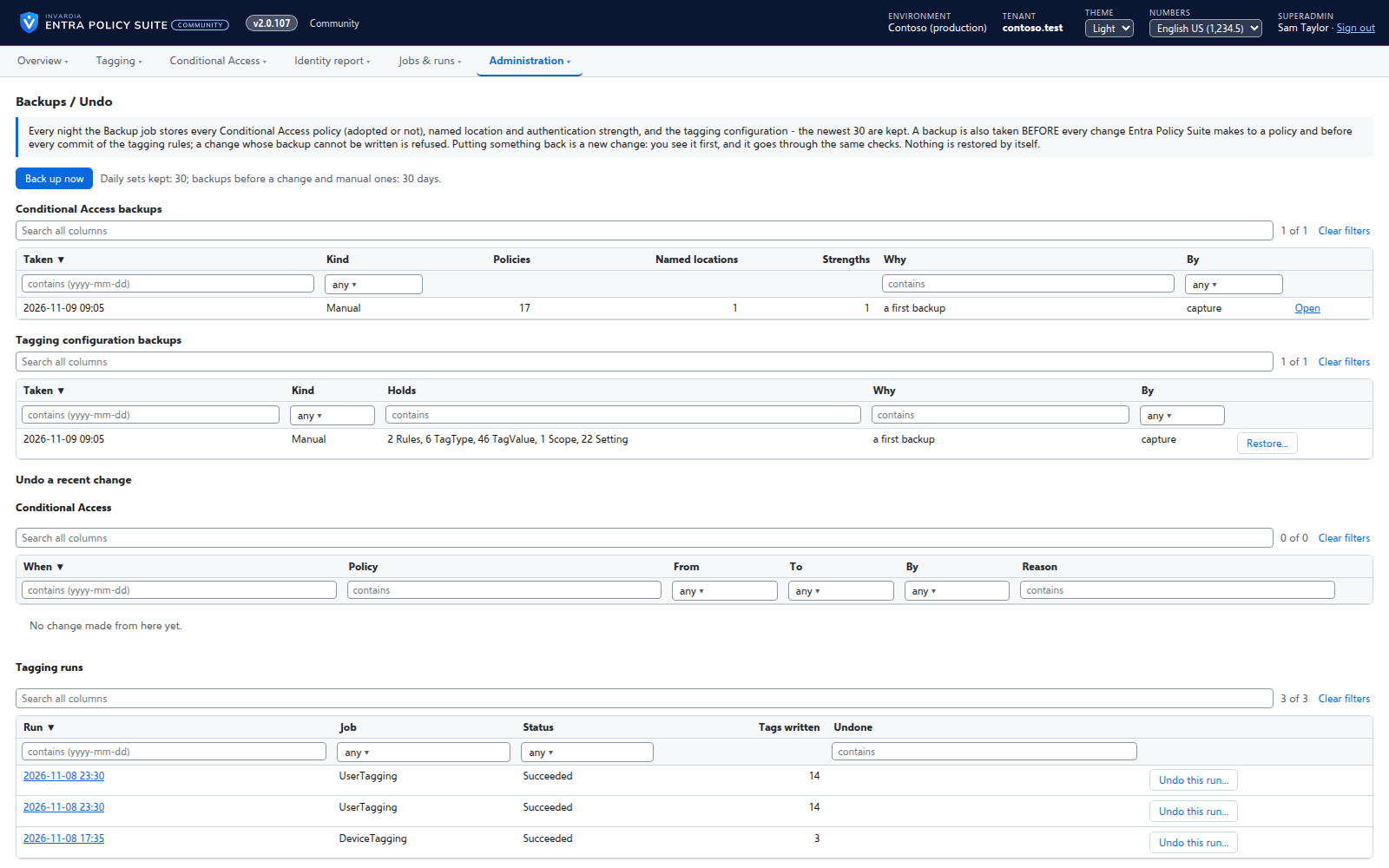
A daily job keeps the last 30 backups of every Conditional Access policy, named location and authentication strength, and of the tagging rules, tag types and settings; a change made through Entra Policy Suite is backed up first and refused if the backup cannot be written. Restore shows each policy as it is and as the backup has it; a missing policy comes back switched off. Any change in a policy's history can be undone as a new, approved change, and a tagging run can be undone by writing back the values it replaced.
Business opportunities
A mistake in Conditional Access or tagging is a restore away, not an incident.
Related features
Rules you edit like a spreadsheet
Every tagging rule on one page, edited like Excel: select, copy and paste, fill down, duplicate, move and switch on or off - many rules at once.
A commit queue for every rule change
A saved change waits until an admin commits it - nothing reaches the directory the moment someone types.
Changes applied by the engine, every one audited
A change made in the web app is carried out by the engine for the person who made it, and recorded in an append-only audit trail.
Bring your Entra Policy Suite 1 rules
The v1 rule files import as they are, so the tags your groups and policies read stay the same.