

Managed identity first, managed identities by default and secrets only in your own Key Vault
Engines sign in with the host's managed identity by default; secrets live only in your Key Vault.
Purpose
Client secrets and certificates that must be created, stored and rotated are a common source of breaches and outages.
Design
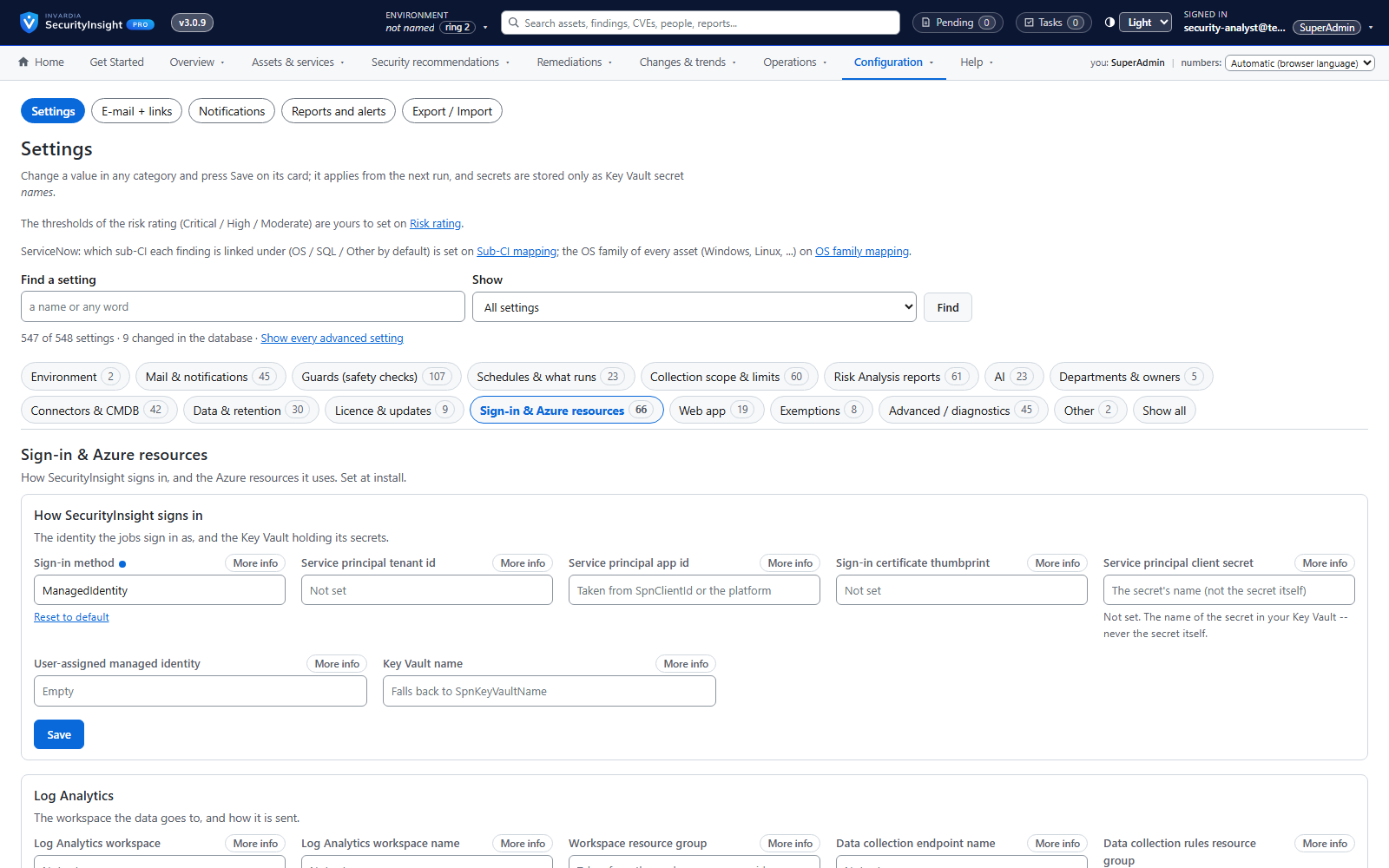
One setting chooses how SecurityInsight signs in: the managed identity of the container job, Azure VM or Azure Arc server (the default in the shipped configuration and the guided install), a service principal with a certificate, or - for existing installs - a client secret. Collection is read-only. In Pro, asset tagging has its own identity, the web app and MCP server have their own identities and hold no secret, and the database accepts Entra identities only.
Business opportunities
Less credential management, a smaller attack surface and an easier security review.
Related features
Roles and scoped access
Reader, Delegated, Admin and SuperAdmin - checked on the server for every page and every action.
External advisors with a second check
Let trusted consultants review and recommend for a department - and approve only after a second check.
Template releases by update ring, with roll back
New detection rules and reports arrive by ring, are reviewed per detection method, and can be rolled back.
Asset tagging, with a dry run first
Write SecurityInsight's classification back as Defender tags, Azure tags and Entra attributes - after seeing what would change.