

Guided install in one command
Answer a short wizard, run one Cloud Shell command, and watch every step complete.
Purpose
Security tools that take weeks to deploy deliver value too late.
Design
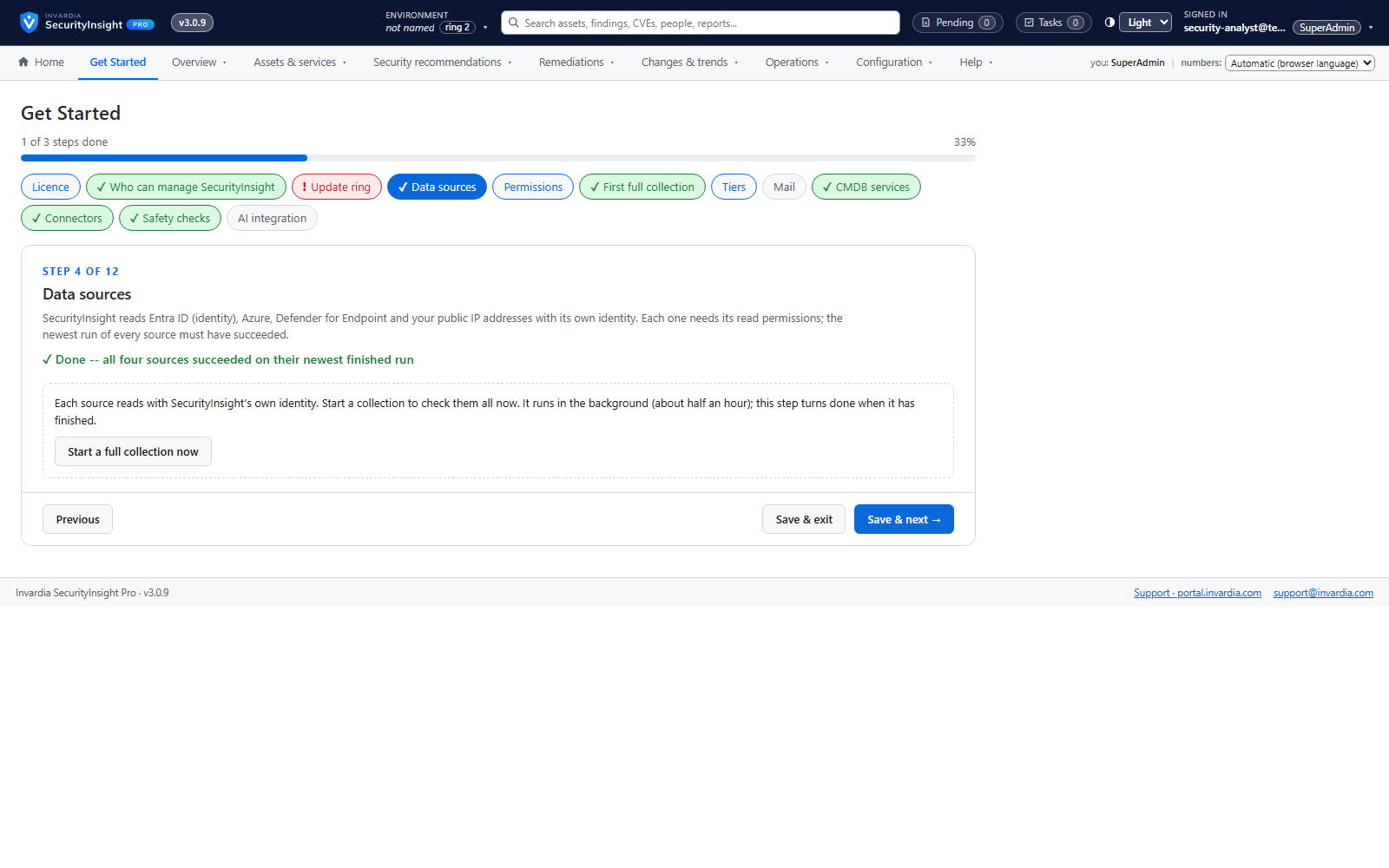
The guided install checks sign-in, permissions, providers and names first and changes nothing until they pass. It then installs SecurityInsight with its own setup steps, reports each step's progress, prints exact commands for any grant the installer cannot make, and can resume where it stopped. Keys for optional features go straight into your Key Vault. Without a licence the same script installs the Community edition.
Business opportunities
From decision to first results in an afternoon.
Related features
Risk Analysis reports: Excel, mail and AI summary
138 ready-made reports across identity, endpoint, Azure and public IP - delivered as a workbook, a mail and an optional AI summary.
Findings workspace with Excel export
Every finding of a collection, most important first - filter, pivot, drill down and export to Excel.
Fifteen views of every collection
Raw rows, correlated CIs, vulnerabilities, risk, MITRE, compliance, CVSS, exemptions, lifecycle, what changed, connector changes and services - for any collection.
Ask SecurityInsight: chat on every view
Ask in plain language - "why is this Tier 0?", "top 3 here" - and get an answer that shows its queries.