

Findings workspace with Excel export
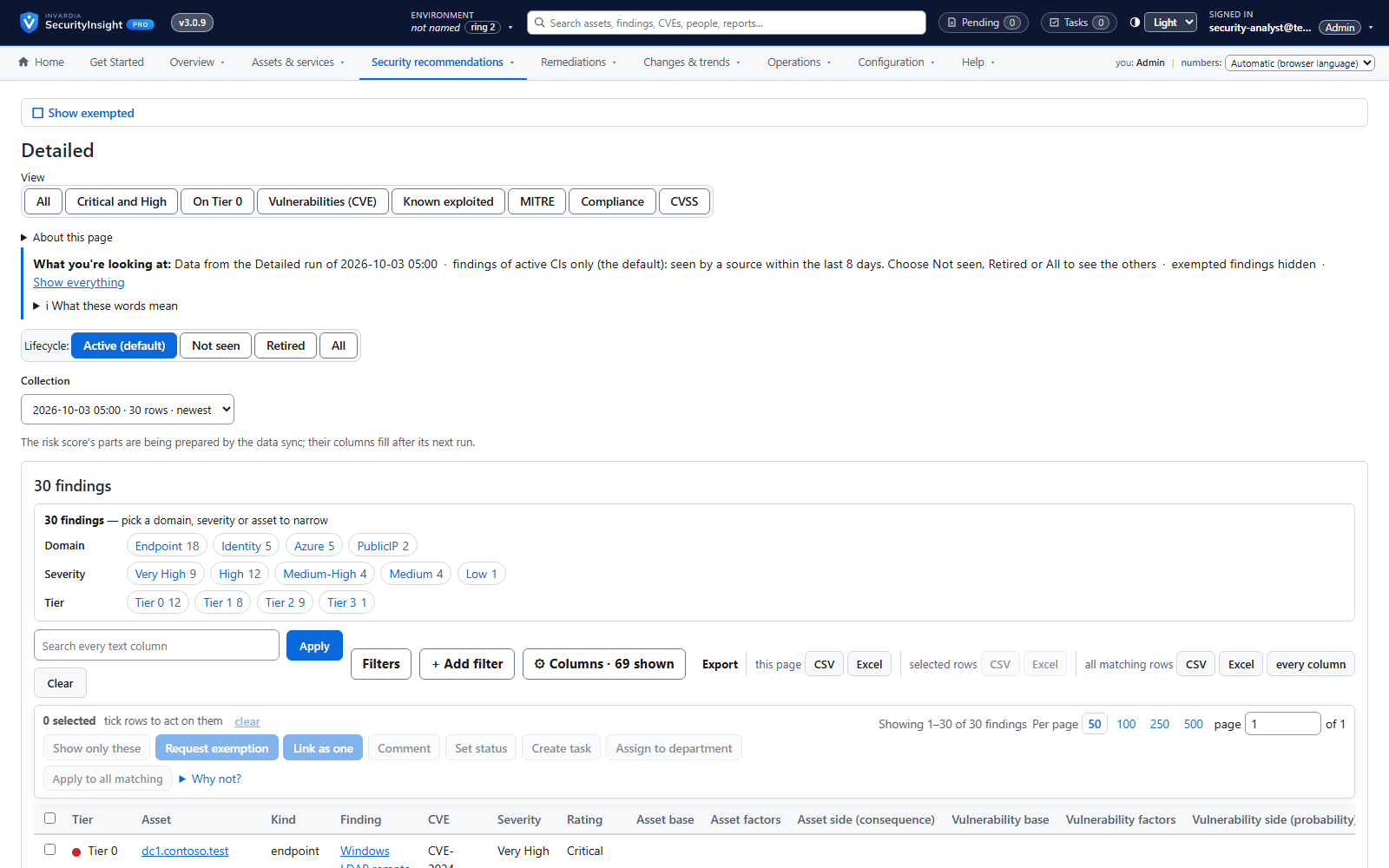
Every finding of a collection, most important first - filter, pivot, drill down and export to Excel.
Purpose
Working from a large spreadsheet is slow, error-prone and impossible to share safely.
Design
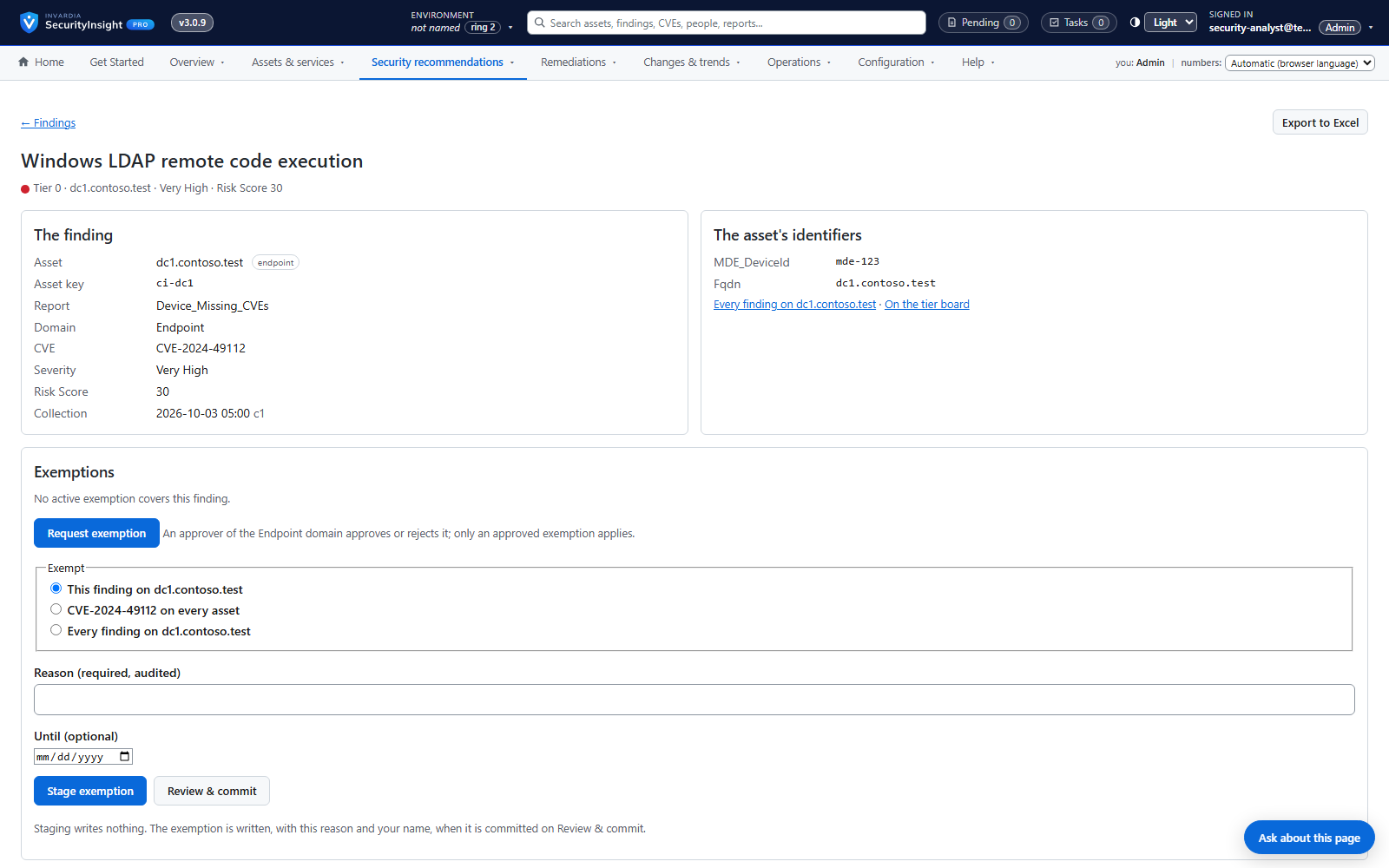
The findings workspace reads the Pro database: pick a collection, filter by tier, severity, domain, asset kind or report, pivot tier against severity, open a finding for its detail and the asset's identifiers, and export the filtered view to Excel or CSV. Every number shows the query behind it.
Business opportunities
Analysts triage faster, and every export is consistent with what the team sees on screen.
Related features
Asset profiling across endpoints, identities, Azure and public IPs
One profile per asset - device, identity, Azure resource or public IP - built automatically from the data you already have.
Privilege tier catalog
Every role and permission in your tenant ranked by what an attacker could do with it - Tier 0 to Tier 3.
Public IP exposure with Shodan
See your internet-facing addresses the way an attacker does, tied to the asset behind them.
Risk score and weighted risk score
Every finding scored for severity and likelihood, then weighted by the business criticality of its asset.