

The groups your policies use, created and kept right
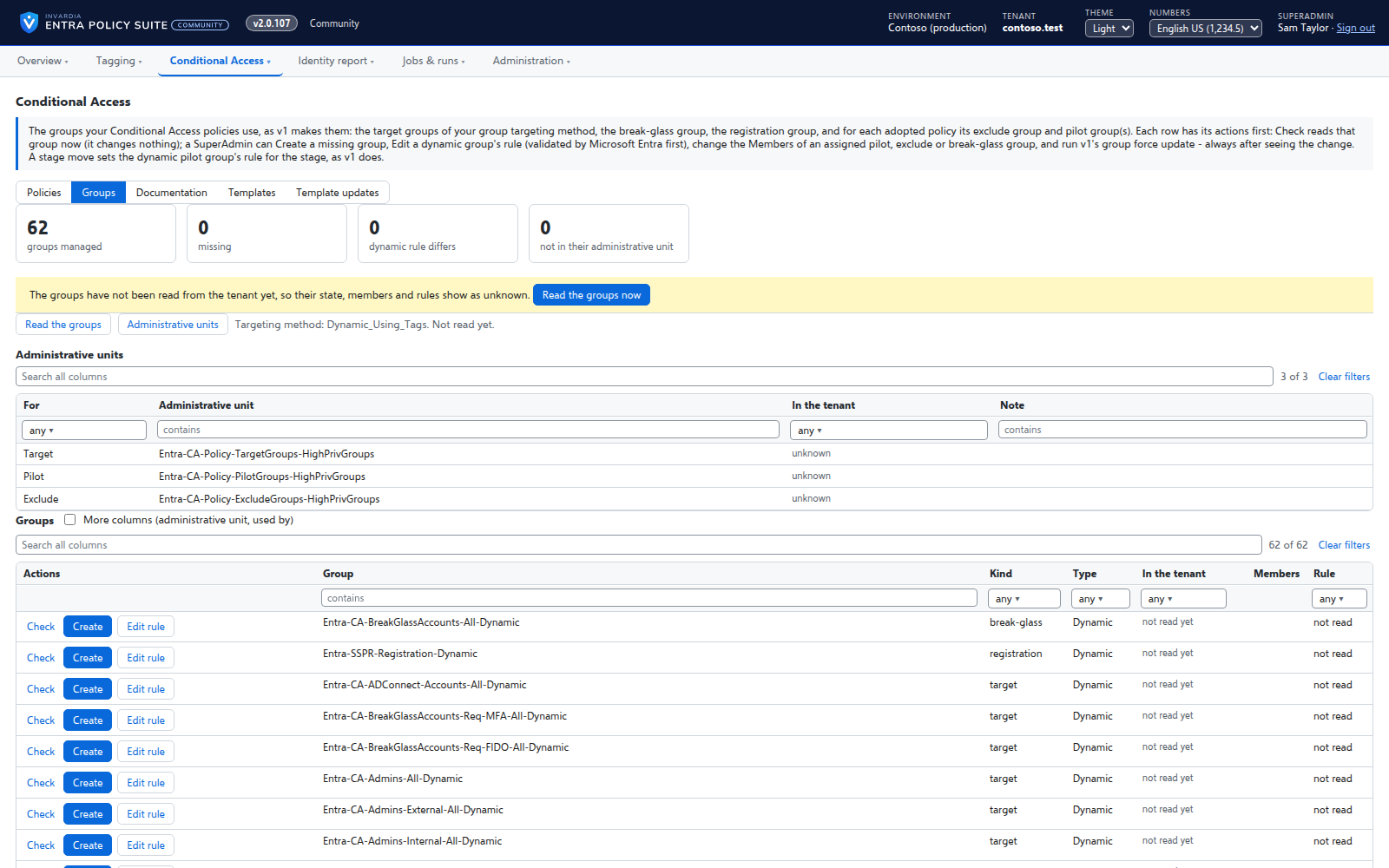
Every target, pilot, exclusion and break-glass group your policies use on one page - in the tenant or missing, its members, its dynamic rule - with the actions to fix each one.
Purpose
A Conditional Access policy is only as right as the groups it targets. A missing exclusion group or a dynamic rule someone changed silently changes who the policy protects.
Design
The Groups page lists every group the adopted policies and the templates name. Each row has its actions first: check the group now, create it when it is missing, edit a dynamic rule with a check against a test user before it is saved, change the members of a pilot or exclusion group, or put the template rule back. A stage move widens a policy's pilot group as v1 did. Each change is shown first, needs a reason and is read back.
Business opportunities
The groups behind your policies stay what the policies expect, and every change to them is recorded.
Related features
Rules you edit like a spreadsheet
Every tagging rule on one page, edited like Excel: select, copy and paste, fill down, duplicate, move and switch on or off - many rules at once.
User tagging
Every user gets its tags from your rules - cloud users in Entra ID, AD-synced users in Active Directory.
Device tagging
Every device gets its category - privileged access workstation, corporate Windows, kiosk, corporate or personal phone - from your device rules.
A hybrid worker for Active Directory
Tags of AD-synced users are written in Active Directory by a small worker that only connects out and has no password.